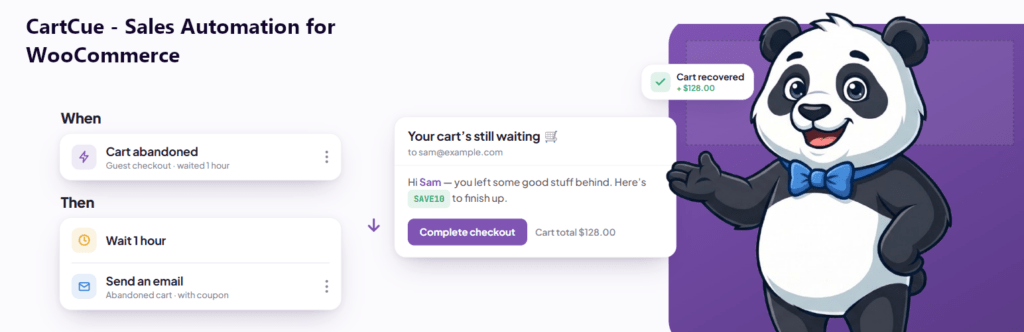
Want lapsed shoppers to come back on their own? Set up one automation that watches for customers who haven’t ordered in a while, then emails them a friendly “we miss you” note with a discount. With CartCue’s Customer Win-Back trigger you can do this for free, it runs in the background and re-engages people the moment they go quiet.
Winning back an existing customer is far cheaper than finding a new one: they already know and trust you. The only thing missing is a nudge at the right moment. This automation supplies that nudge automatically, forever.
What you’ll need
This is a 100% free automation.
- WooCommerce installed and active.
- CartCue (the free version is enough). The Customer Win-Back trigger, Send Email, and Generate Coupon actions are all free.
No Pro required.
Step 1 – Open CartCue and load the win-back Play
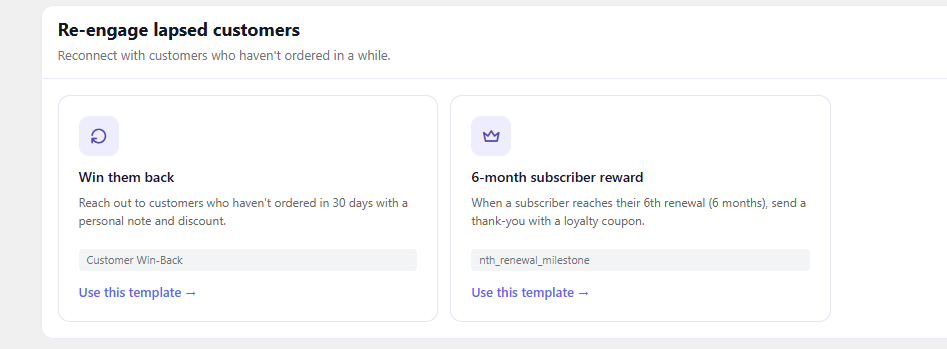
In your WordPress admin, go to CartCue → Browse Templates and install “Win them back.” It arrives pre-built — Customer hasn’t ordered in 30 days → send a we-miss-you email — so you’re nearly done already. Prefer to build it yourself? Pick New → Build from Scratch and follow the steps below.
Step 2 – Define “inactive” (the trigger)
Select the Customer Win-Back trigger and set two options:
- Days inactive: how long since their last order before they count as lapsed. The default is 30 days — raise it to 60 or 90 if your products have a longer buying cycle.
- Minimum order count: keep this at 1 so you only re-engage people who actually bought before (not browsers who never converted).

Step 3 – Add an incentive (optional)
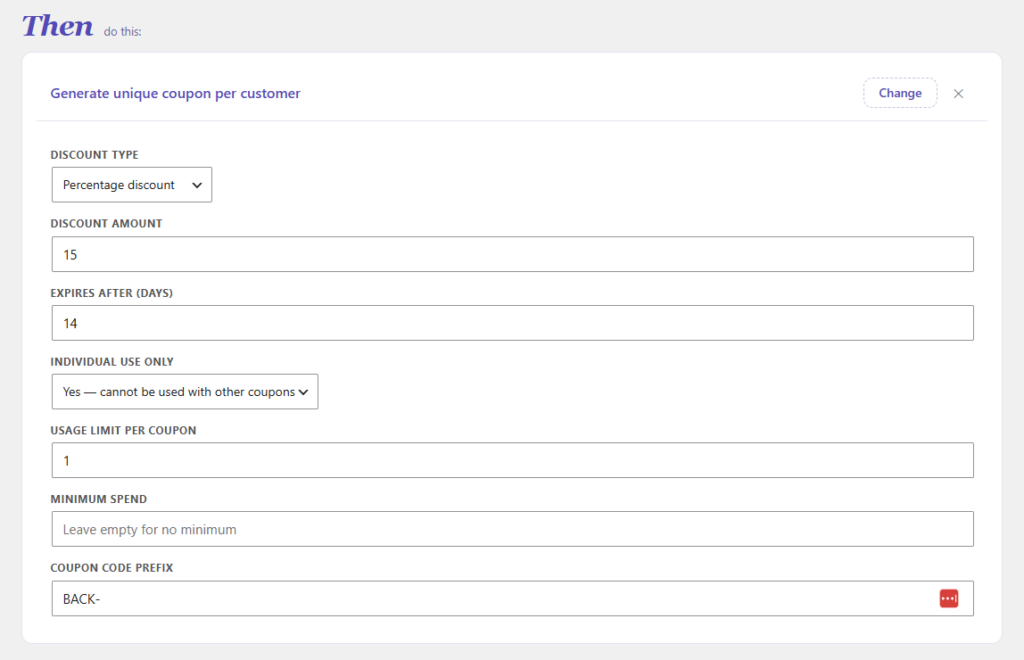
Add a Generate Coupon action to sweeten the return. Choose a modest discount (10–15% is plenty), set a prefix like MISSYOU-, a short expiry (7–10 days) to create urgency, a usage limit of 1, and “individual use.” CartCue mints a unique code per customer.
Step 4 – Write the email
Add a Send Email action and keep it warm and short. Use merge tags so each message personalizes itself: {{customer.first_name}}, {{coupon.code}}, {{coupon.expiry}}, {{shop.name}}, {{shop.url}}.
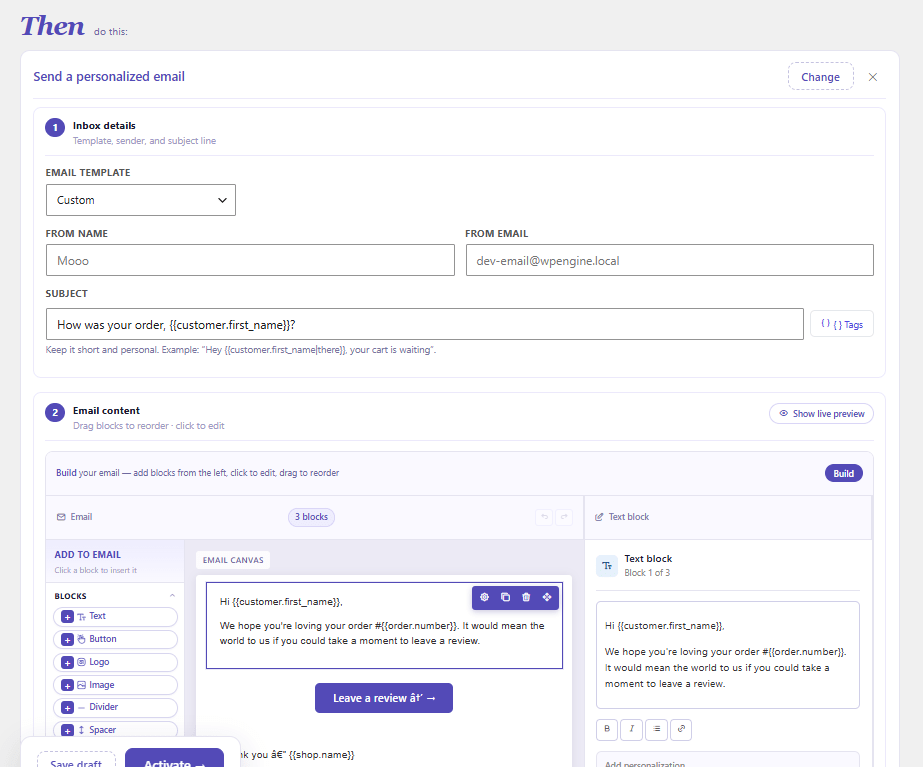
Copy-paste template:
Subject: We miss you, {{customer.first_name}} 💛
<p>Hi {{customer.first_name}},</p>
<p>It's been a while — and we'd love to see you again. Here's a little
   something to welcome you back.</p>
<p>Use code <strong>{{coupon.code}}</strong> for a discount on your next order.</p>
<p><a href="{{shop.url}}">Come back and shop →</a> Hurry — it expires {{coupon.expiry}}.</p>
<p>— The {{shop.name}} team</p>
<p style="font-size:11px;color:#999"><a href="{{shop.unsubscribe_url}}">Unsubscribe</a></p>
Step 5 – Activate and track results
Turn the Play on. CartCue applies a 45-day cooldown per customer so nobody gets pestered, and sends each win-back email immediately when someone crosses the inactivity line. Open the Play’s report to see opens, clicks, and the revenue recovered.
Tips to win back more
- Don’t over-discount. A 10% nudge protects margin; deep discounts train customers to wait for them.
- Add urgency. A 7–10 day expiry on the coupon lifts response without feeling aggressive.
- Match the window to your product. Consumables lapse in 30 days; furniture might be 6 months. Tune “days inactive” to reality.
- Lead with the relationship, not the deal. “We miss you” outperforms “Sale!”, the discount is the assist, not the headline.
Want to go further? (CartCue Pro)
The basic win-back is free. CartCue Pro adds:
- Escalating sequences — a second nudge a few days later if the first goes unopened (free Plays allow up to two timed steps; Pro removes the limit).
- An SMS or WhatsApp follow-up for customers who ignore email.
- VIP targeting — Pro rules like total spent let you send a richer offer to your highest-value lapsed customers.
Frequently asked questions
What counts as an “inactive” WooCommerce customer? Whatever you define, here it’s a customer who placed at least one order but hasn’t ordered again within your chosen window (30 days by default). Adjust the window to fit your typical buying cycle.
Is win-back automation free in WooCommerce? Yes. CartCue’s Customer Win-Back trigger, email, and coupon actions are all in the free version. Multi-step and SMS follow-ups are Pro.
How big should the win-back discount be? Usually 10–15%. It’s enough to motivate a return without eroding your margin or training customers to wait for deals.
Will the same customer get emailed repeatedly? No. A 45-day per-customer cooldown prevents repeat sends, so a lapsed customer hears from you once, not every day.