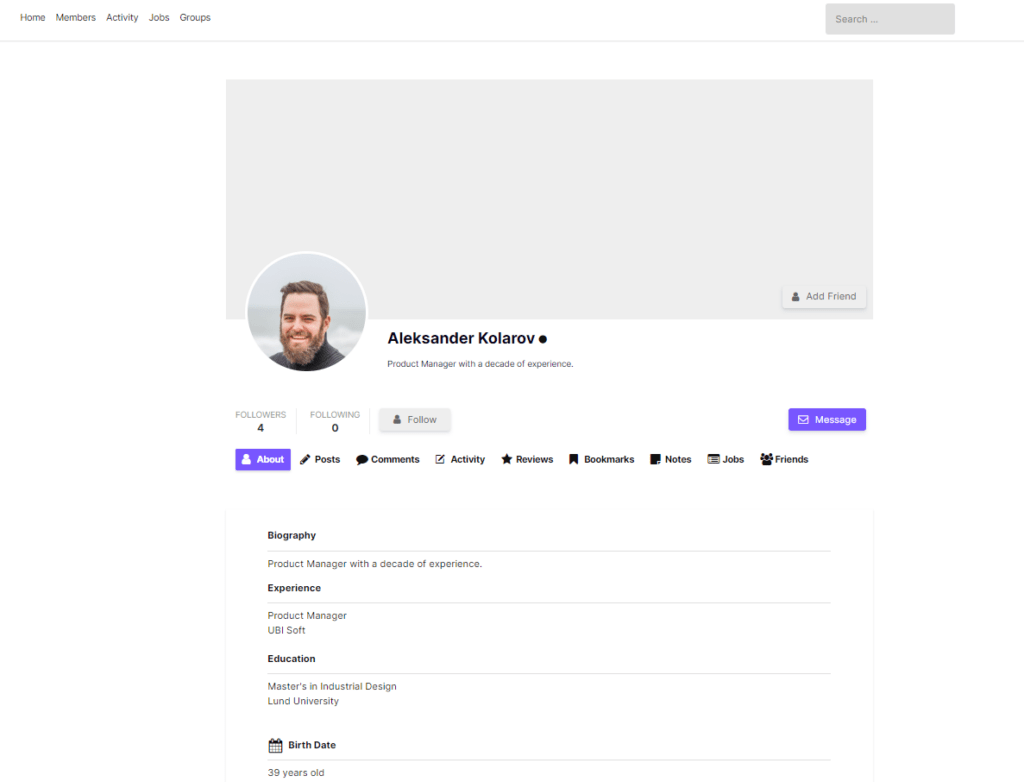
Incomplete profiles hurt directories, trust, and onboarding. UM Export Pro can find members who are missing a specific Ultimate Member field — then export Email / Name so you can chase them for completion.
Pro is required for the missing-field / incomplete-profile workflow. Free can export everyone, but cannot filter “missing X”.
Option A – Suggested preset
- Go to UM Export → Export.
- If you have no saved presets yet, click Incomplete profiles.
- Pro applies a missing-field filter using a common empty field it finds (e.g. description, profile photo, or first name — depending on your meta).
- Review columns, then export or refine the missing field in Step 1.
Option B – Choose the missing field yourself
- Step 1 → expand Engagement & profile.
- Set Missing profile field to the required UM field (e.g.
description, a phone field, company, etc.). - Optional: also set Account status = Approved so you only chase active members.
- Step 2: Email, Name, Account Status, and the field you’re checking.
- Preview → Download CSV/Excel or background export.
📸 Screenshot
Engagement & profile section with Missing profile field set, plus summary chips.
Advanced: multiple empty fields
For more than one condition, use Custom field rules with operator Has No Value (AND logic). Example: missing phone and missing company.
What to do with the list
- Send a “complete your profile” email campaign
- Assign follow-up in your CRM
- Schedule a weekly incomplete-profiles export on Pro
Get the missing-field filter: UM Export Pro