Are you looking for the best WordPress booking plugins to accept online appointments 24/7? You’re in the right place!
Most WordPress website owners still handle bookings via phone calls, emails or spreadsheets. Although this may work in the start, it becomes difficult as your customer base grows. Keeping track of availability, responding quickly and avoiding scheduling mistakes can take up hours every week.
Over that, the last thing you need is a booking error that turns your whole schedule upside down. The point here is if visitors cannot easily find available slots or confirm appointments within a minute, sure you are not the only competitor in the market.
Lucky for you, the solution is simple: automate your scheduling with a WordPress booking plugin.
The right appointment booking plugin can help you accept appointments online, manage your calendar, send reminders, collect payments and create a professional booking experience for customers.
But with hundreds of options available, picking the right tool can feel overwhelming. And that’s exactly why we have created this list of the best WordPress booking plugins for 2026.
Quick Comparison: Best WordPress Appointment Booking Plugins for 2026
Don’t have time to read the full article? No problem! Take a look below at the best WordPress booking plugins compared.
| Plugin | Best For | Free Version | Starting Price | Standout Feature |
| BookingPress | Service businesses, salons, coaches, healthcare. | ✅ Yes | $89/year | 60+ premium add-ons, 21+ payment gateways, advanced automation. |
| Quill Booking | Consultants, agencies, teams. | ✅ Yes | $29/year | Team scheduling, Zoom & Microsoft Teams integration. |
| MotoPress Appointment Booking | Multi-staff businesses and classes. | ✅ Yes | $49/year | Employee management and group bookings. |
| Appointment Hour Booking | Time-based services and rentals. | ✅ Yes | €6.99/month | Automatic time slot generation. |
| Webba Booking | Businesses needing customization. | ✅ Yes | $49/year | Flexible scheduling and booking rules. |
| Bookster | Small businesses and solo professionals. | ✅ Yes | $79/year | Lightweight interface with self service client portal. |
| WP Booking Calendar | Rentals, reservations, and bookings. | ✅ Yes | $41.87 one-time | Powerful availability and reservation management. |
7 Best WordPress Appointment Booking Plugins That Make Scheduling Easy
1. BookingPress
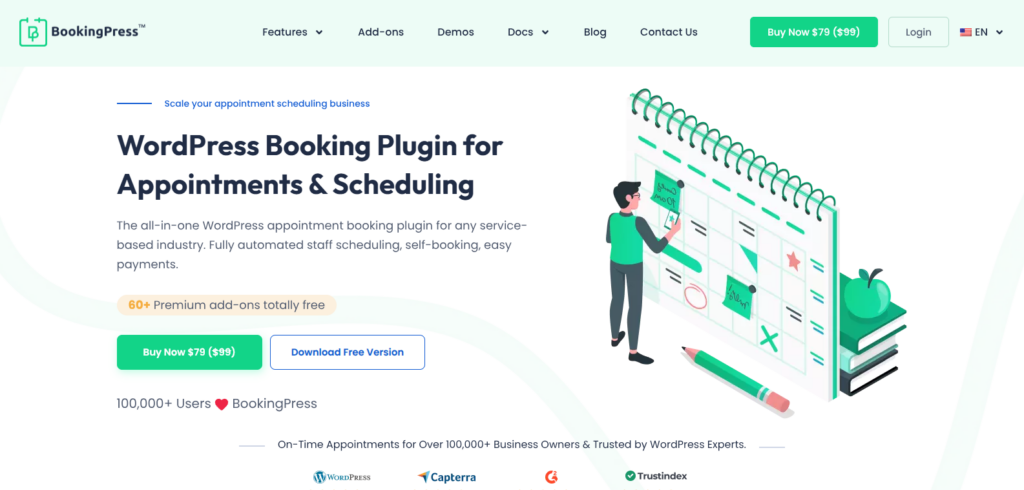
BookingPress is one the best WordPress appointment booking plugin for service businesses. It allows you to create a fully functional online booking system right inside your WordPress website.
You can design a booking form which is fully customizable using extensive styling options with zero coding (But sure you can go for Custom CSS as well if you’re a tech-savvy developer). Apart from this, setting up this plugin and starting accepting online appointments barely takes 10 minutes due to its smart setup wizard.
Besides, you can accept on-site and online payment, full or deposit, via 21+ payment gateways + POS System for secure transactions. You clients get the convenience they demand and you get an automated system that does all repetitive tasks from managing appointments, tracking revenue, showing real time availability to process online payments.
Key Features:
- Unlimited services and appointments
- Customizable booking form
- Online payment, full or deposit, via 21+ payment gateways
- Automatic reminders via Email, SMS, WhatsApp and Telegram
- Advanced staff and schedule management
- Two-way syncs with all popular calendars
- Detailed reporting and analytics dashboards
Pros:
- Over 60 premium addons as zero extra cost
- Feature-rich free version
- Performance optimized
- Virtual meeting ready
Cons:
- Beginners will need time to explore all features
- Advanced features needs premium version
Pricing:
- Free version available
- The premium plan starts from $89/Year.
2. Quill Booking
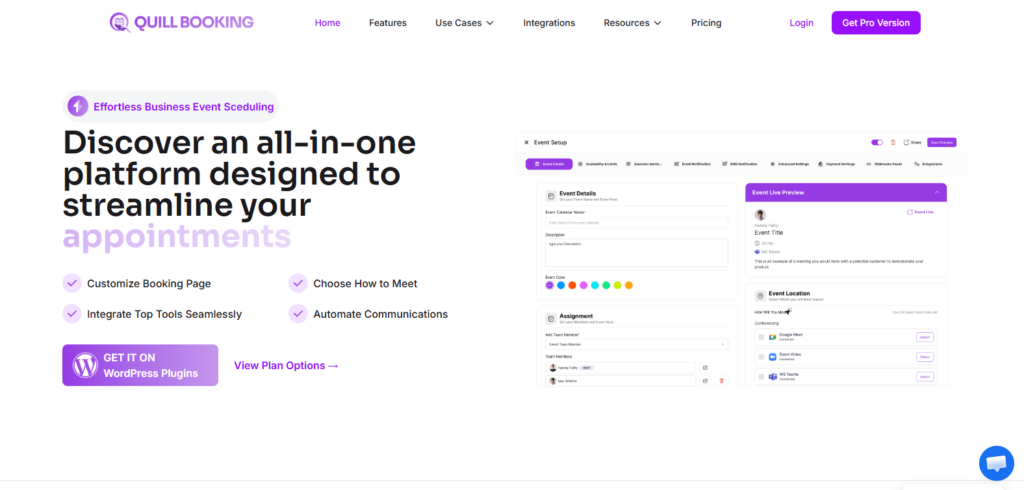
Quill Booking is a powerful WordPress appointment booking plugin designed to help businesses manage schedules, meetings, and customer bookings with ease. It provides a simple yet flexible way to add a professional booking system to your WordPress website without complicated setup.
With Quill Booking, you can create customized booking calendars, manage availability, and allow customers to schedule appointments based on your real time availability. The plugin helps reduce manual scheduling work by automating appointment management and keeping your calendar organized.
One of the biggest advantages of Quill Booking is its smooth integration with popular calendar tools, making it easier to avoid double bookings and keep track of appointments from one place.
No matter whether you run a consulting service, agency, coaching business, or any appointment-based service, it helps create a seamless booking experience for both you and your customers.
Key Features:
- Unlimited staff accounts, calendars and team rotation.
- Flexible location management.
- Supports multiple event types.
- Automatic notifications via Email, SMS and WhatsApp.
- Built-in reporting and analytics.
- Dynamic availability control.
- Online payments via PayPal, Stripe or WooCommerce.
Pros:
- Advanced integrations with Teams and Zoom
- Web hook powered dashboard
- Integrates with Zapier
- Modern user interface
Cons:
- Sometimes conflicts and bloats
- Missing advanced features
Pricing:
- Free version available
- The premium plan starts from $29/Year
3. MotoPress Appointment Booking
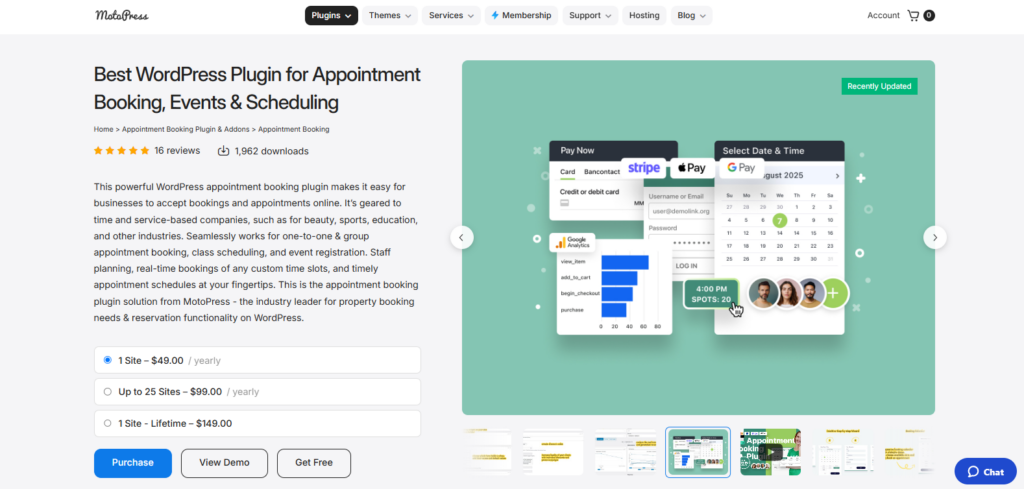
MotoPress Appointment Booking is a versatile WordPress booking plugin designed for businesses that rely on appointments and reservations. Whether you run a beauty salon, healthcare clinic, coaching service, fitness studio, or consulting business, the plugin provides the tools needed to automate your scheduling process and reduce manual work.
The plugin allows you to create unlimited services, assign them to individual staff members, and set custom working schedules. Customers can view real time availability, select their preferred service provider, and book appointments directly from your website. This removes the need for back and forth communication and helps deliver a smoother booking experience.
Key Features:
- Unlimited profiles for employees, services, locations and service categories.
- Custom staff schedule.
- Advanced time controls.
- Group bookings and classes.
- Online payment via PayPal, Stripe, WooCommerce and direct back transfer.
- Automatic Email and SMS notifications.
- Integration with Google Analytics.
Pros:
- Deep page builder integrations
- Flexible schedule rules
- Advanced staff and group management
- Automated admin tools
Cons:
- Needs paid addons for SMS and video conferencing
- Smaller install base
Pricing:
- Free version available
- The premium plan starts from $49/Year.
4. Appointment Hour Booking
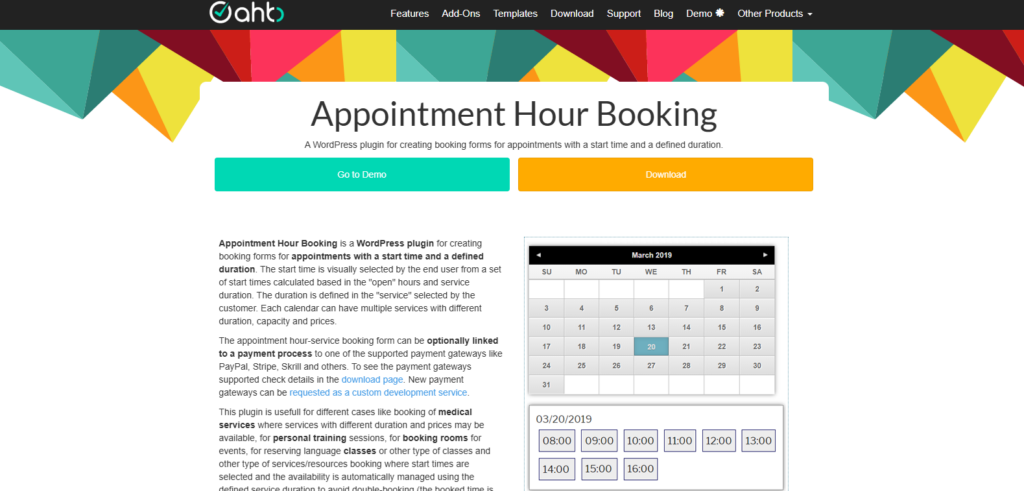
Appointment Hour Booking is a WordPress scheduling plugin that offers time based services. It lets you accept appointments with predefined durations and automatically calculates available time slots based on your working hours and service length.
The plugin allows you to create multiple services with different durations, capacities, and pricing structures. Customers can easily select a date, choose from available time slots, and complete their booking online.
Moreover, Appointment Hour Booking also includes availability management to help prevent double bookings and supports payment integrations for accepting online payments.
Key Features:
- Automatically calculates start and end times of service.
- Online payment via PayPal, Stripe, Skrill and others.
- Automatic email notifications.
- Printable appointments list.
- Addons for integration with external services: Zoom, reCaptcha, MailChimp, SalesForce, WooCommerce and others.
- Sync with iCal, Google Calendar and Outlook Calendar.
- Automated price calculation.
Pros:
- Powerful form builder
- Robust free version
- Flexible slot generation
- Advanced addons like WooCommerce, Zoom, etc.
Cons:
- Outdated interface
- Needs time to set up
Pricing:
- Free version available
- The premium plan starts EUR 6.99 (approx. $7.94/Month = $95.28/Year)
5. Webba Booking
Webba Booking is widely considered one of the most flexible and highly customizable WordPress booking plugins.
One of Webba Booking’s biggest strengths is its customization flexibility. You can create personalized booking forms, define custom schedules, configure pricing rules, and allow customers to book single or multiple services. The plugin also includes a setup wizard that helps businesses get started quickly without dealing with a complicated configuration process.
Beyond scheduling, Webba Booking supports integrations with popular tools such as Google Calendar, Zoom, Stripe, PayPal, WooCommerce and Twilio SMS notifications.
Key Features:
- Flexible scheduling
- Group and multi-booking
- Two way syncs with Google Calendar
- Online payment via Stripe, PayPal and WooCommerce
- Modern and responsive booking forms
- Multiple page builder support
- Automatic Email and SMS reminders
- Track your conversion data with Google Analytics (GA4) integrations
Pros:
- Highly customizable design
- Advanced scheduling
- Integrates with Google Calendar easily
- Customizable automated email and SMS notifications
Cons:
- Fewer native integrations
- Needs a lot of time to set up complex rules
Pricing:
- Free version available
- The premium plan starts at $49/Year(but if you need payment gateways, it starts from $119/Year).
6. Bookster
Bookster is a modern WordPress appointment booking plugin designed for service-based businesses that want a lightweight yet feature-rich scheduling solution. Unlike many booking plugins that rely heavily on WooCommerce, Bookster works as a standalone booking system, making setup faster and easier for businesses that simply need online appointment scheduling. It is suitable for coaches, consultants, salons, healthcare providers, fitness professionals, and other appointment-driven businesses.
The plugin allows customers to view real-time availability, book appointments online, and receive automated confirmations. Business owners can manage services, staff schedules, bookings, and customer information from a centralized dashboard.
Furthermore, it also comes with customizable booking forms, payment integrations, reporting tools and client self service features to streamline appointment management.
Key Features:
- Unlimited services and staff members
- Flexible booking intervals
- Automated buffer times
- Online payment via PayPal or Stripe
- Advanced booking controls
- Premium service addons for upsells
- Multi-step checkout form
- Self-service client dashboard
Pros:
- Lightweight and fast
- User friendly dashboard
- Highly customizable booking forms
- Built-in buffer and time slots
Cons:
- Fewer native integrations
- Limited advanced automation
Pricing:
- Free version available
- The premium plan starts $79.00/Year.
7. WP Booking Calendar
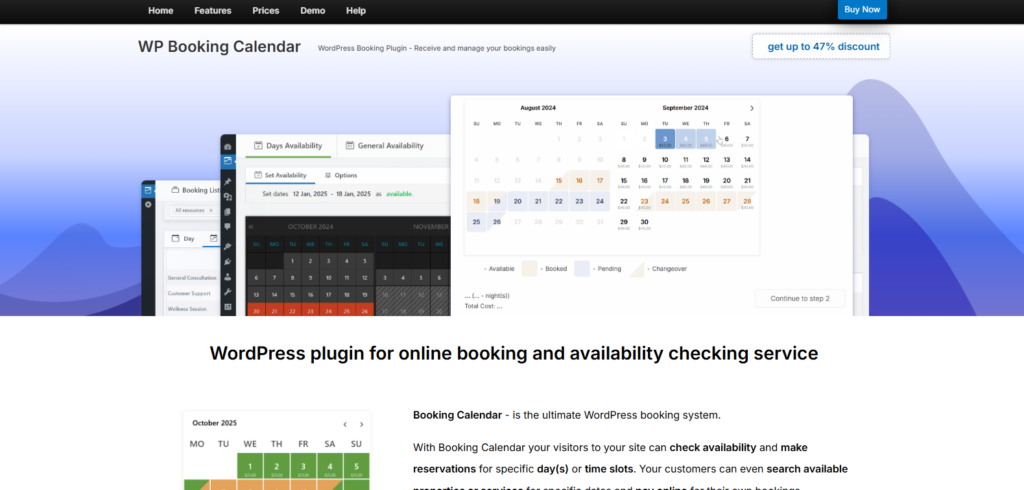
WP Booking Calendar is one of the oldest and most established booking plugins in the WordPress ecosystem. It is designed to help businesses accept and manage bookings directly from their websites through a simple calendar-based interface. Whether you’re managing appointments, property rentals, event reservations, or service bookings, the plugin provides a flexible system for handling availability and reservations.
The plugin allows visitors to check availability in real time and submit booking requests through customizable booking forms. Administrators can manage bookings from a centralized dashboard, approve or decline reservations, and configure booking rules based on business requirements.
One of the biggest advantages of WP Booking Calendar is its maturity and flexibility. With years of development behind it, the plugin offers extensive configuration options for businesses that need more control over their booking workflows.
Key Features:
- Easy form builder for creating booking forms
- Advanced availability engine
- Resource capacity
- Online and offline payments via PayPal, Stripe, and Authorize.Net
- Two-way Calendar sync with .ics feeds.
- Customizable email and SMS alerts
Pros:
- Handles both full day and time slot bookings
- Multi-lingual
- Third party syncing
- Feature-rich free version
Cons:
- Complex and outdated interface
- Time consuming to customize
Pricing:
- Free version available
- The premium plan starts from $41.87/one time cost only.
Final Recommendations
After comparing all the best WordPress booking plugin on this list, BookingPress is the best pick for most service businesses.
What makes BookingPress better than most is its balance of ease of use and advanced features. You can set up and start accepting online appointment in less than 15 minutes with just a few clicks, even if you are a total beginner or non-techie.
Growing service businesses, on the other hand, can take advantage of 60+ powerful addons such as staff management, calendar synchronization, online payments, automated reminders and detailed reporting.
No matter whether you’re running a salon, healthcare practice, coaching business, consulting agency, fitness studio or any appointment based service, BookingPress offer you a fully flexible and scalable WordPress appointment system for easy scheduling.
So what are you waiting for? Pick a booking plugin that combines powerful features, user friendly setup, extensive customization options and excellent value for money.
FAQs
What is the best booking plugin for WordPress?
BookingPress is the best booking plugin that turns your WordPress site into a full-power online appointment scheduling system. Your clients can easily book, cancel and reschedule, while you automated all appointment management and accept online payments via 21+ payment gateways.
How do I add a booking plugin in WordPress?
You can easily add a booking plugin in WordPress by first downloading it from its official website. Once you get its zip file, upload it on WordPress → Plugins → Add Plugin → Upload Plugin. Then, click on install now button followed by activate.
What is the best free booking plugin for WordPress?
BookingPress Lite is the best free booking plugin for WordPress as it allows you to accept unlimited appointments, create customizable booking forms and accept online payment securely via PayPal.
How to make a booking form in WordPress?
You can make a fully functional booking form in WordPress by using BookingPress. These WordPress booking plugins lets you create fully customizable booking forms using extensive styling options and easy drag and drop. After that, simply copy and paste the shortcode of the booking form on any of your WordPress posts or pages.