
Best Ultimate Member Extensions
-
Advance Faceted Search
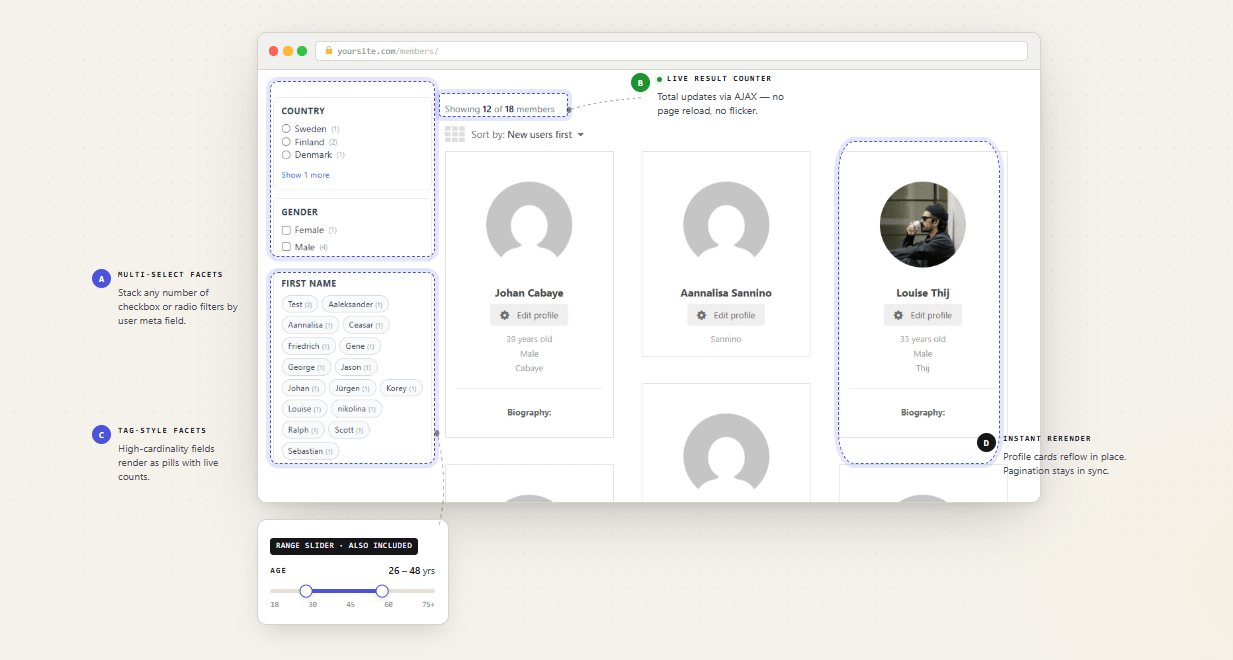
If your site has a member directory, this is the single highest-leverage upgrade you can make. Ultimate Member's built-in search is a single text field — useful, but limited. Advance Faceted Search adds a full sidebar with checkboxes, dropdowns, and range sliders that update results instantly via AJAX without a page reload. Visitors filter by any UM profile field combination, and the URL updates so filtered searches are bookmarkable and shareable. Best for: niche directories where members need to filter by profession, location, skill level, or any custom field you have built into your registration form.
UserElements
$25
-
Elementor Widgets for Ultimate Member
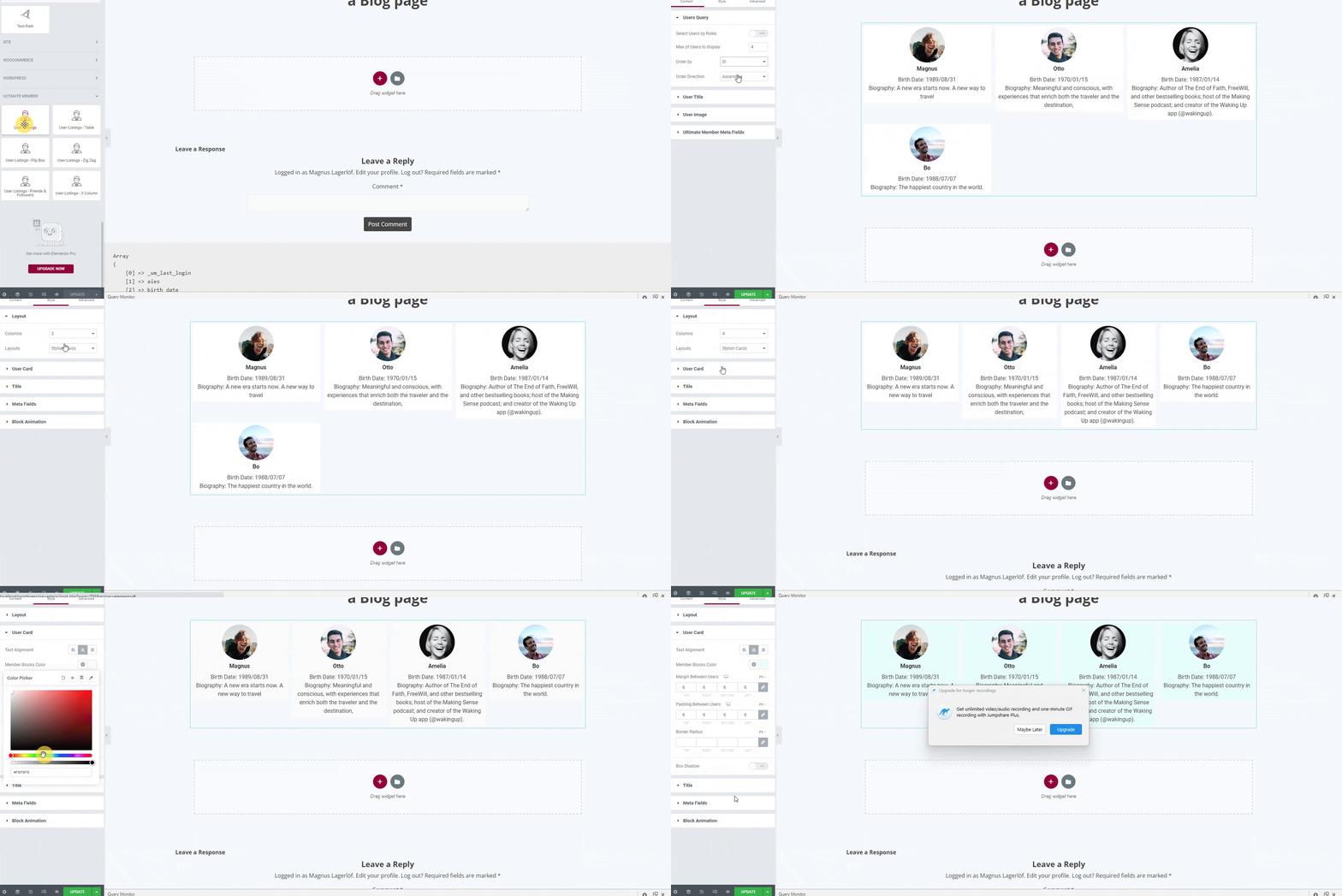
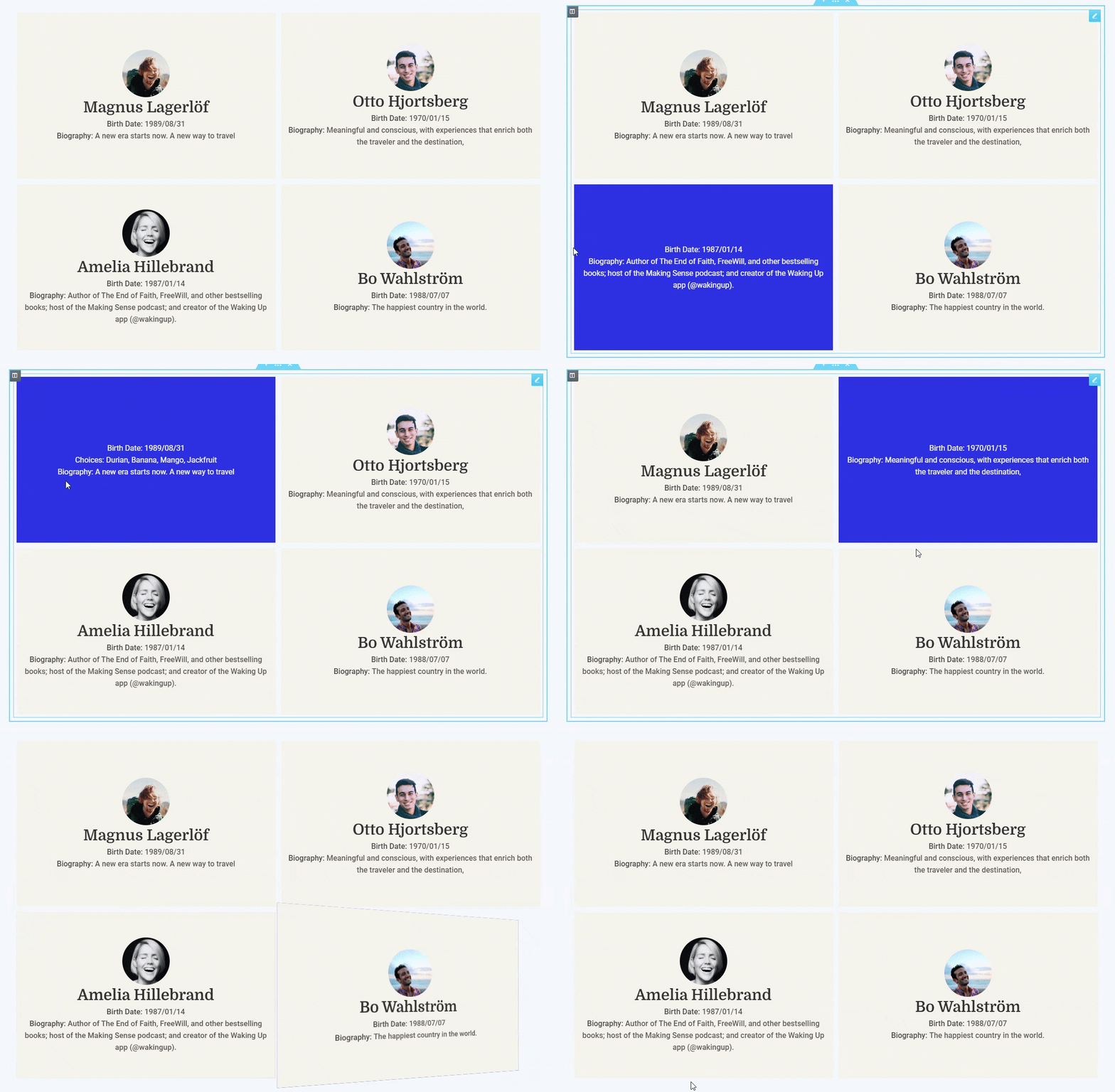
Most Ultimate Member sites eventually hit the same wall: UM's native profile and directory templates look functional but not distinctive, and customising them requires PHP. This plugin solves that without a single line of code. You get 13+ Elementor widgets — member directory, user table, profile card, flip card, and more — each with full design control inside the Elementor panel. AJAX-powered search and sorting work out of the box. The free version alone covers the majority of use cases; the Pro version adds the Member Directory Styler and locked layout controls for agencies. Best for: anyone already running Elementor who wants visual control over how members are displayed.
UserElements
Free
-
User Export for Ultimate Member
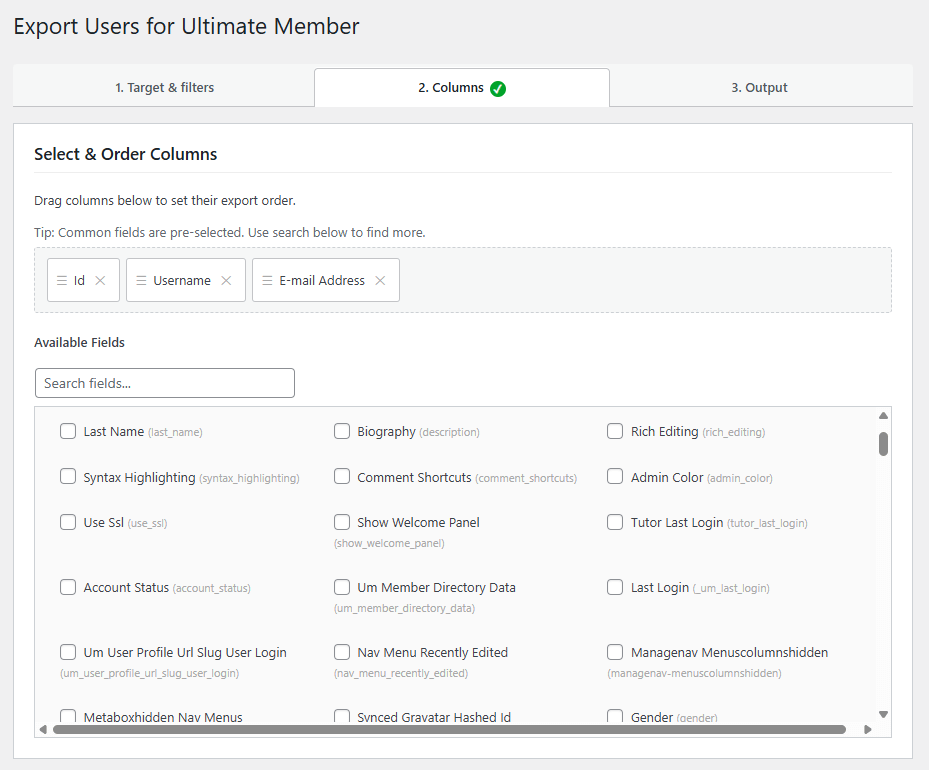
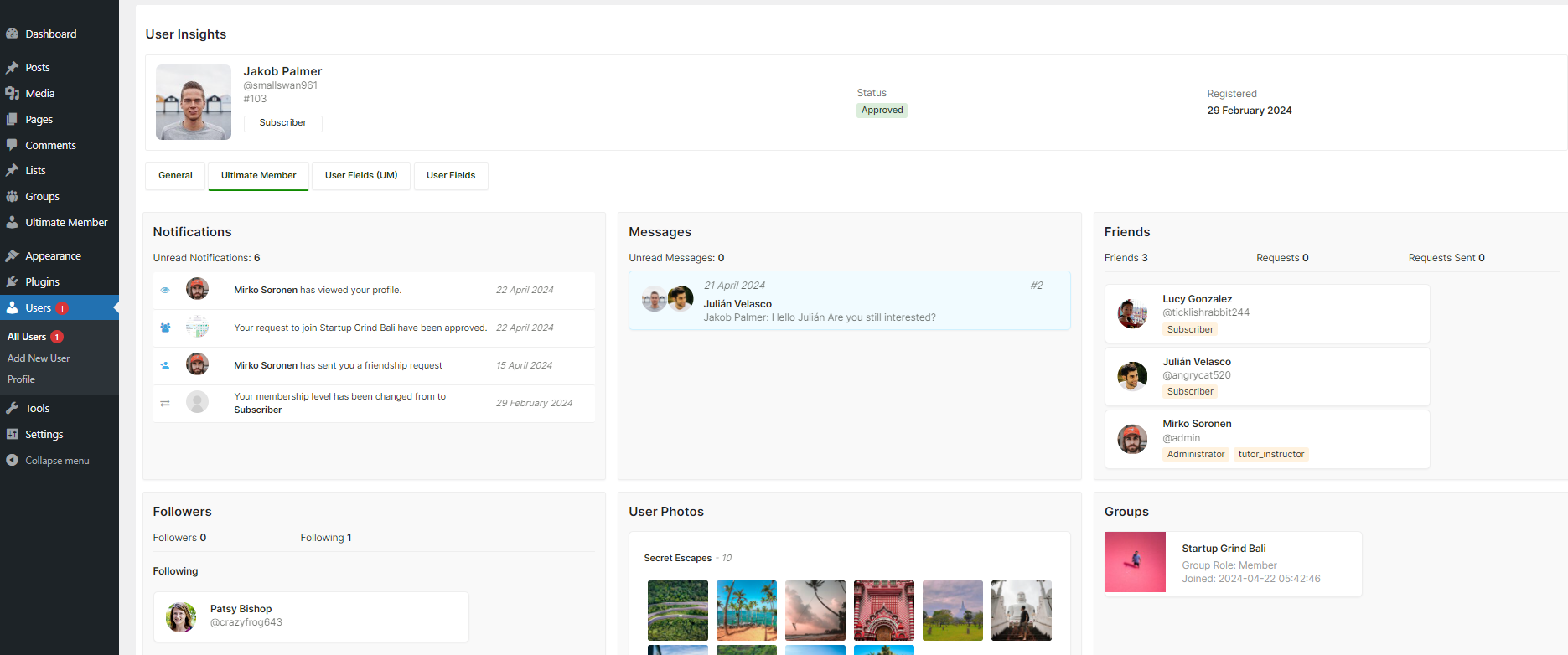
Exporting users from a standard Ultimate Member site is messier than it should be. WordPress's built-in export gives you raw meta keys and encoded values — unusable for a CSV you want to read or import somewhere else. This plugin translates everything: UM field labels replace meta keys, stored option values are decoded to their human-readable labels, and WooCommerce order history and FluentCRM tags are appended as extra columns. Large exports run in the background via WP-Cron so they never time out. Best for: sites that need to pipe member data into a CRM, email platform, or reporting tool on a regular basis.
UserElements
Free
-
Ultimate Member – MailPoet
If you run your email marketing through MailPoet, this is the integration you are missing. It syncs subscribers automatically at every meaningful membership event: registration, admin approval, role change, and profile update. You choose which MailPoet list maps to which UM role, and the plugin handles subscribe and unsubscribe transitions silently in the background. No Zapier, no manual exports, no sync delays. Best for: community sites that segment their email lists by membership role and want that segmentation to stay accurate without manual maintenance.
UserElements
$39
-
Real-time Notifications
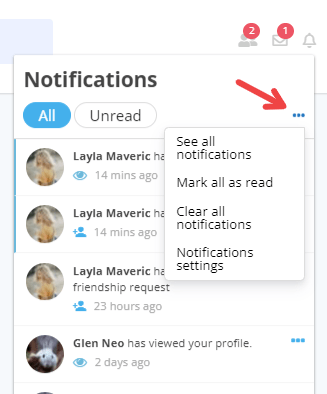
Notification systems are a proven lever for user retention — they give members a reason to return to the site and check what happened since their last visit. This official extension adds a notification bell to the profile, with real-time alerts for role changes, profile views, comments, myCRED point events, and more. Users can manage their own notification preferences and delete old items. The polling interval is configurable if your server needs it. Best for: social community sites where member-to-member interaction is the primary value of the platform.
Ultimate Member
$40
-
Friends
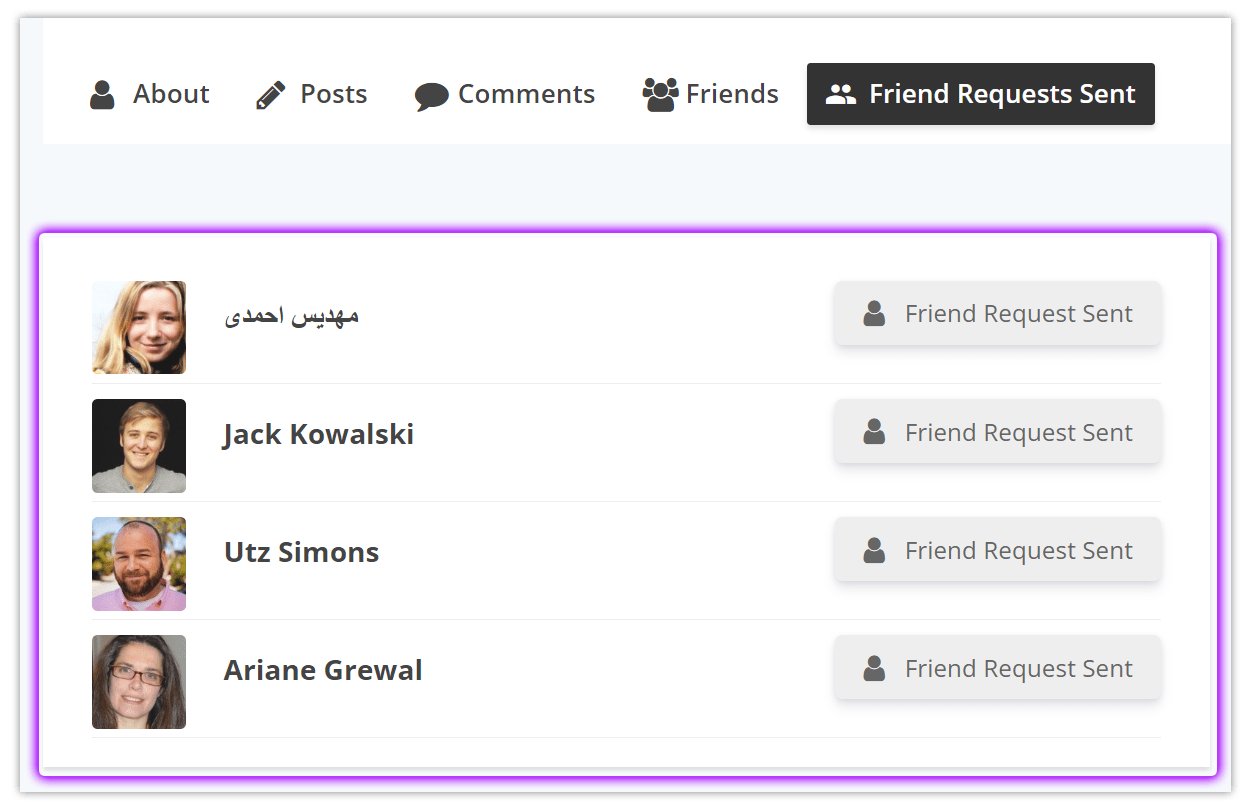
The Friends extension adds a mutual follow model: users send friend requests, the other party accepts or rejects, and both gain a connection visible on their profiles. It is the social graph layer that makes everything else — private messages, activity feeds, notifications — feel meaningful. Without some form of social connection, a member directory is just a list. Best for: community sites built around professional networking, hobbyist groups, or any use case where the relationship between members matters.
Ultimate Member
$40
-
Private Messages
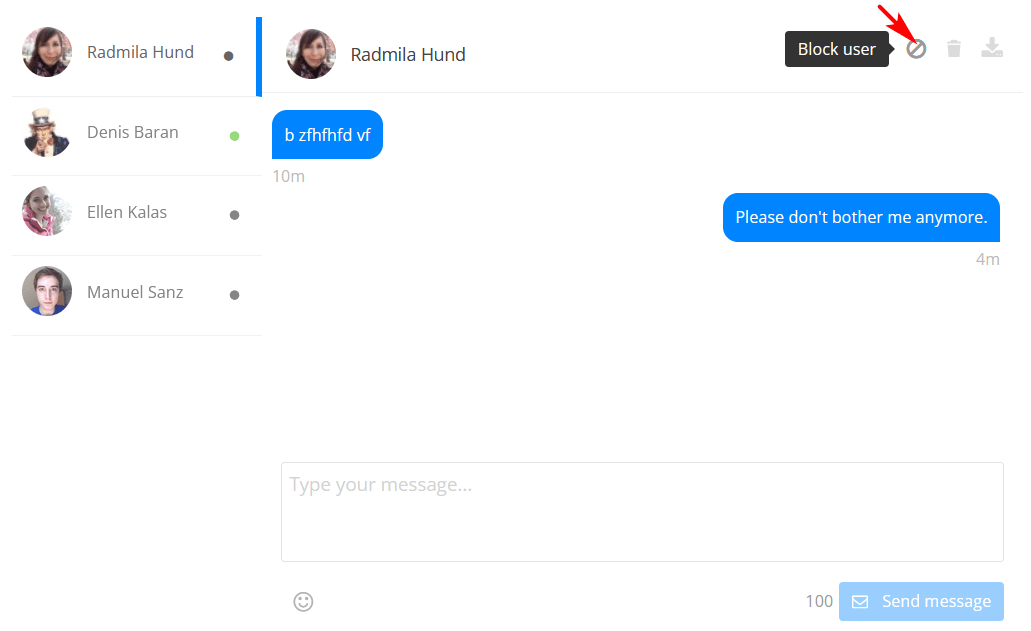
Direct messaging is one of the most-requested features on member community sites, and this official extension handles it cleanly. Members can send and receive private messages from their profiles. It pairs naturally with the Friends extension — you can restrict messaging to connected users only to reduce spam. Best for: professional directories, dating-adjacent communities, or any site where users need to contact each other without sharing personal email addresses.
Ultimate Member
$55
-
Social Login
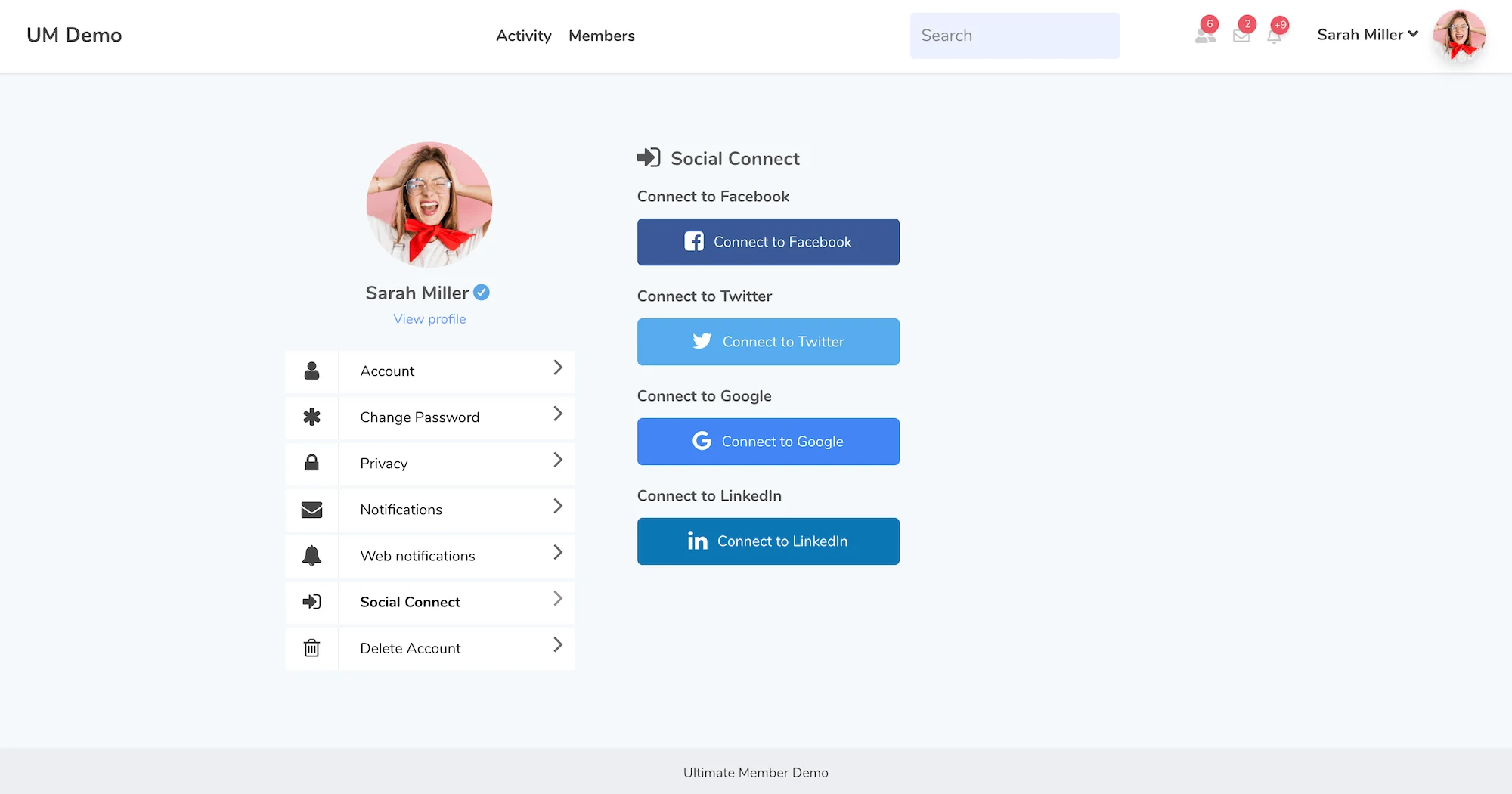
Every extra field on a registration form costs you conversions. Social Login removes that friction by letting users sign up with Facebook, X (formerly Twitter), Google, or LinkedIn in a single click. Their social profile data pre-fills the UM registration form, reducing drop-off. Returning users log in with one click instead of remembering a password. Best for: public-facing community sites where the target audience is non-technical or where maximising registration completion rate is a priority.
Ultimate Member
$50
-
Private Content
This extension lets you attach a private content area to any user's profile — visible only to that specific member when logged in. The admin writes the content from WP Admin; a shortcode makes it embeddable anywhere on the profile. It is a simple concept with creative applications: personalised onboarding notes, exclusive promo codes, private status updates, document links. Best for: coaching platforms, membership sites with personalised elements, or any site where the admin needs to communicate something one-to-one without using email.
Ultimate Member
$45
-
Profile Completeness
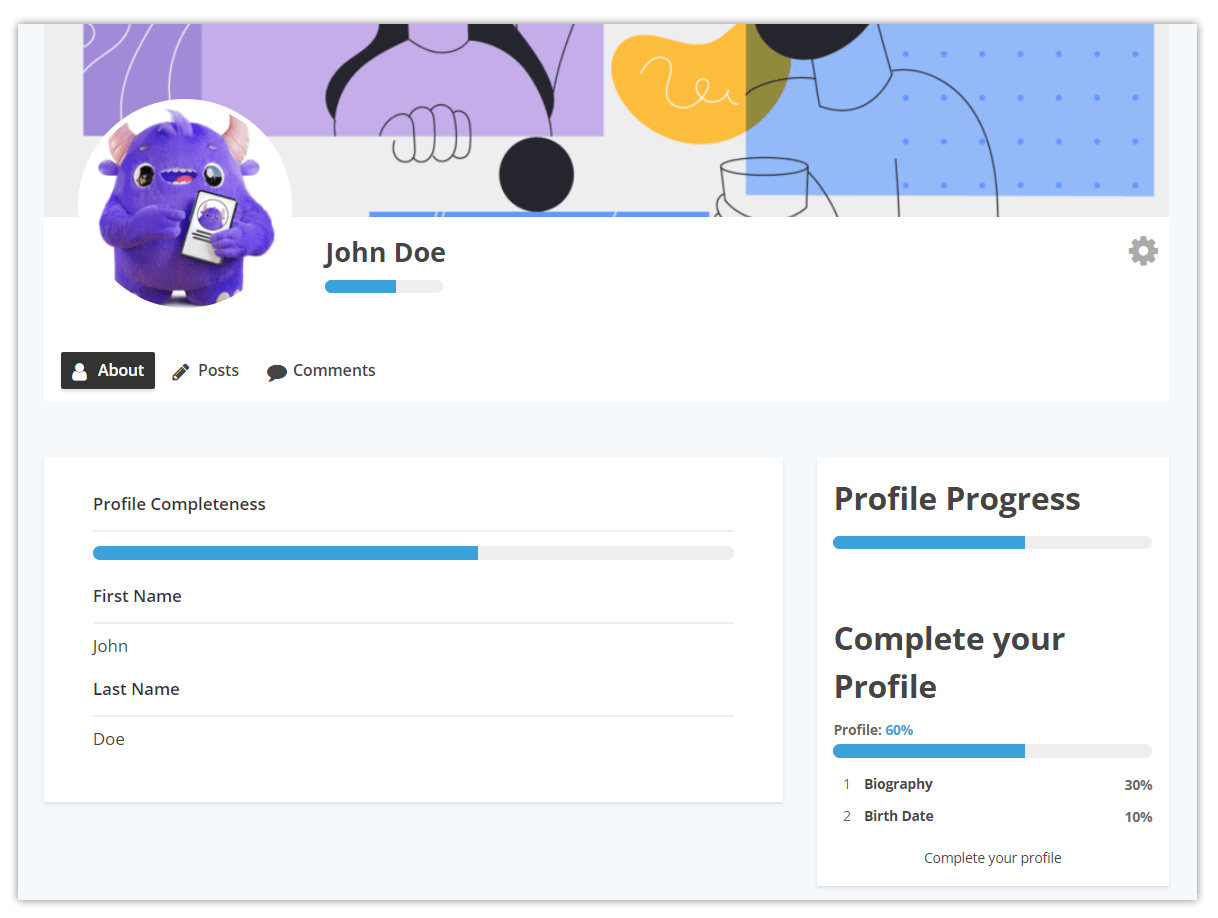
Empty profiles hurt community quality. This extension gives members a visual completeness indicator on their profile and lets you configure which fields count toward the score. You can set it to encourage completion passively or enforce it actively — blocking access to certain features until the profile reaches a threshold. Combined with the Notices extension, you can prompt incomplete profiles with targeted messages. Best for: professional directories and B2B communities where a half-complete profile genuinely reduces the value of the directory for everyone.
Ultimate Member
$45
-
User Reviews
A five-star rating and review system that sits natively on each member's UM profile. Members can rate and review each other, building a trust layer that is especially useful on marketplace-style or service-provider directories where reputation matters. Reviews are tied to UM profiles rather than WordPress posts, so they follow the member wherever their profile appears. Best for: freelancer directories, local business directories, tutor or coach marketplaces — anywhere a public reputation score adds value.
Ultimate Member
$50
-
User Tags
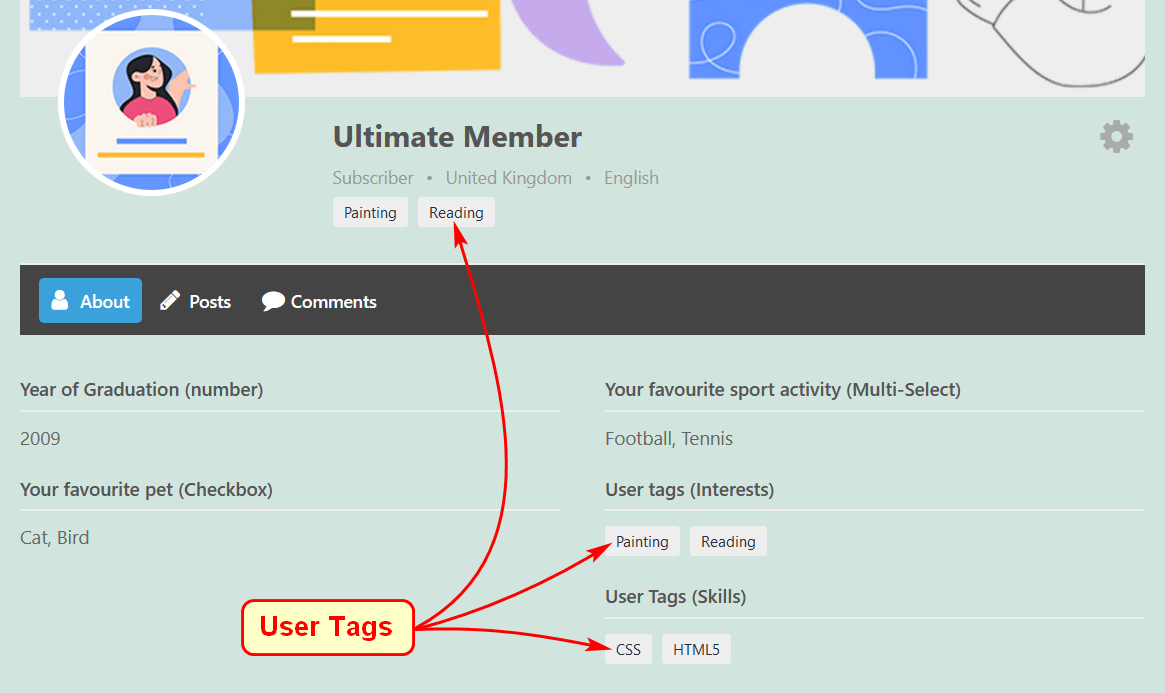
Tags give members a self-selected taxonomy that makes them discoverable by topic, skill, or interest. A user adds relevant tags to their profile; clicking a tag shows every other member with the same tag. It is a lightweight alternative to building complex filter logic — members organise themselves. Best for: professional communities, developer networks, or creative directories where members share overlapping niche interests.
Ultimate Member
$40
-
Social Activity
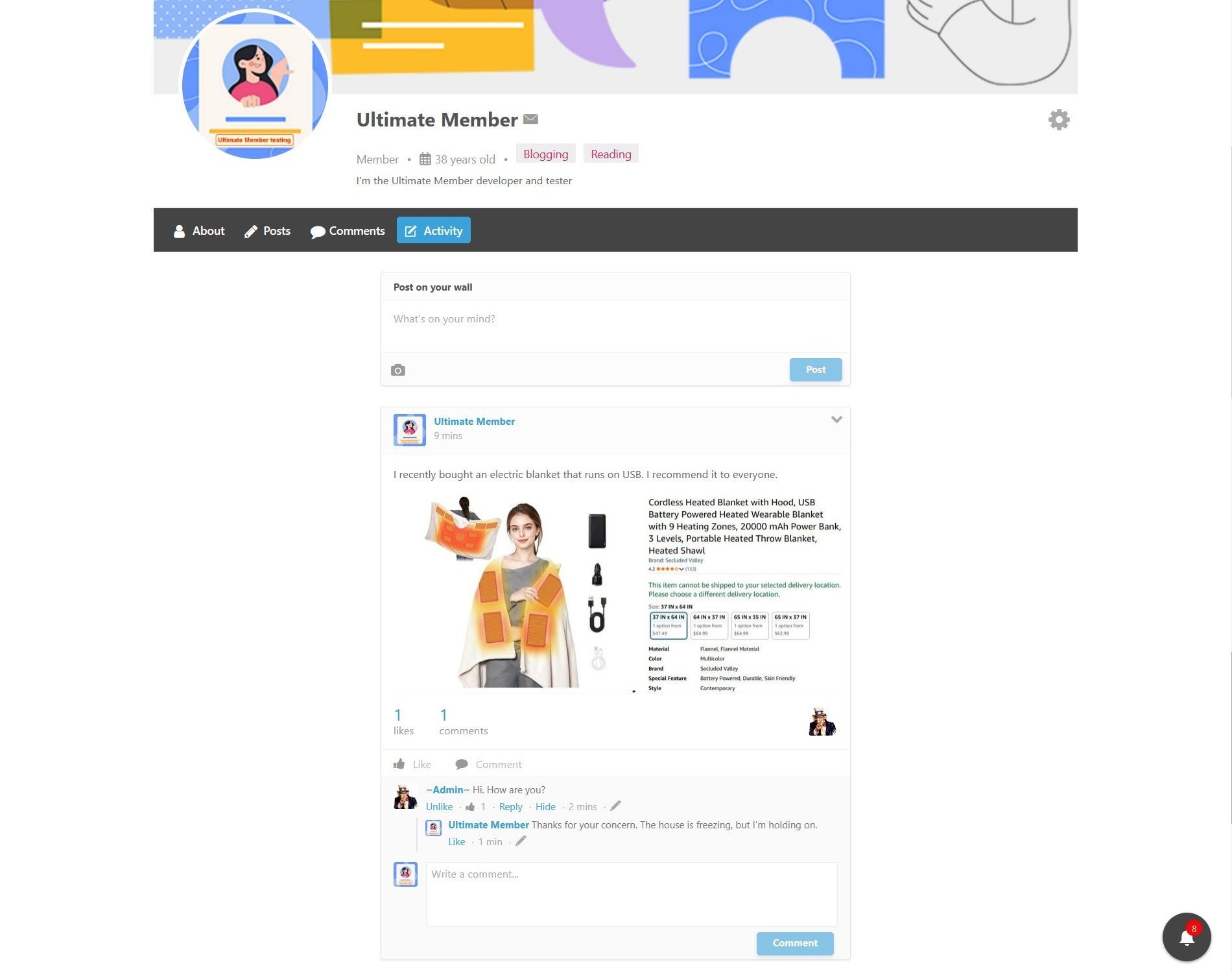
Social Activity adds a wall to each member's profile where they can create posts, share updates, and see what others in the community are doing. It is the feature that shifts a member directory from a static database into something closer to a social network. Combined with Friends and Notifications, it creates a self-reinforcing engagement loop. Best for: communities where member interaction and content creation are the core product — alumni networks, fan communities, professional peer groups.
Ultimate Member
$55
-
Groups
Groups lets members create or join collections organised around a shared topic, interest, or purpose. Each group gets its own space: members list, activity feed, and settings for public vs. private visibility. It adds a layer of sub-community structure to larger sites where the member base is too diverse for a single directory to serve everyone well. Best for: large community platforms with multiple distinct audience segments — think industry associations, multi-topic forums, or alumni networks with class-year cohorts.
Ultimate Member
$55
-
Verified Users
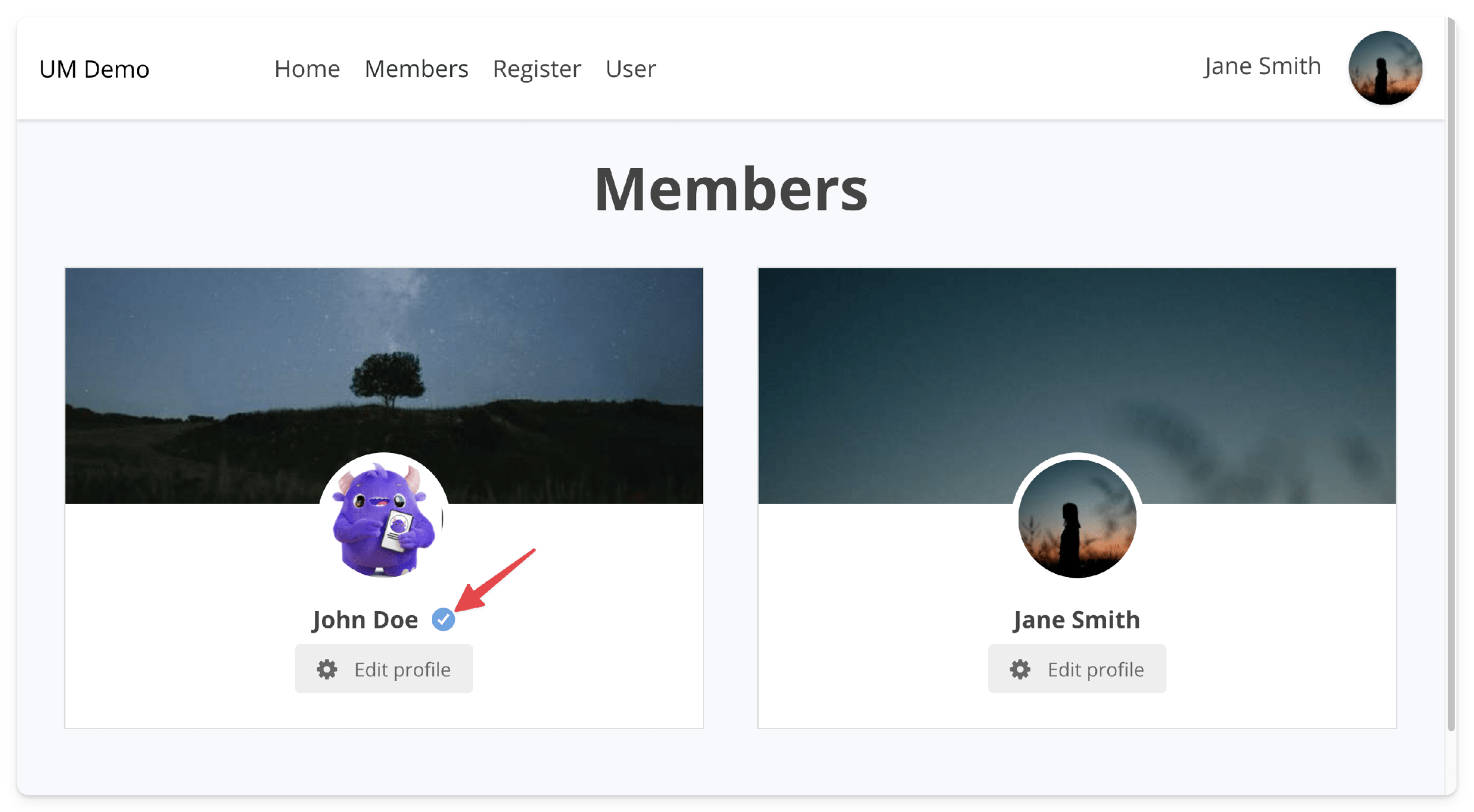
A verified badge next to a member's name works the same way it does on any major platform: it signals that the admin has confirmed the identity or credentials of that user. Members submit a verification request; you review and approve or deny it manually. Verified members can be sorted to the top of directory results. Email notifications go both ways — to the admin on request, to the user on decision. Best for: freelancer directories, healthcare professional listings, local service provider directories — any context where trust and credential verification matter to visitors.
Ultimate Member
$40
-
User Bookmarks
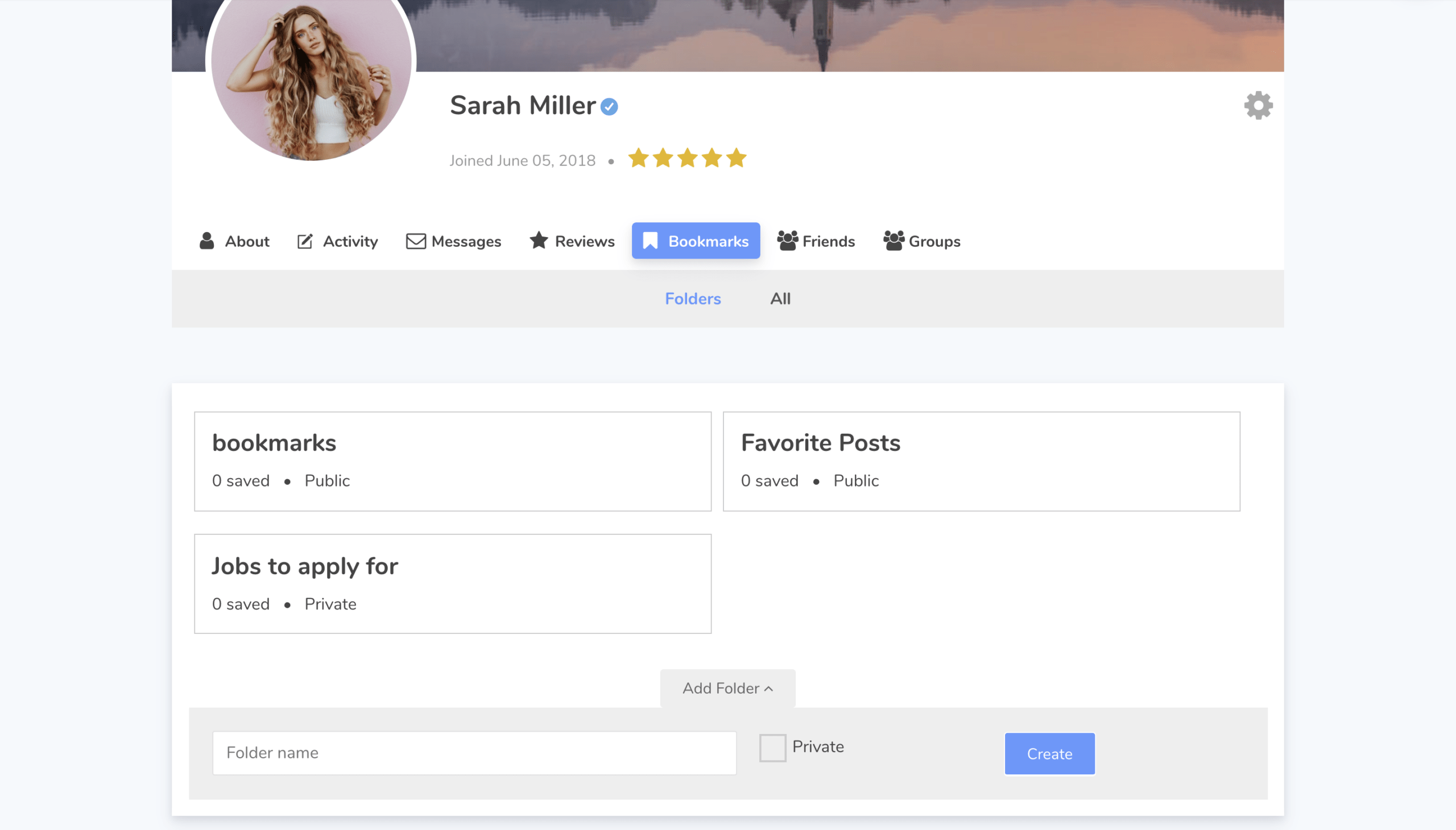
Lets members bookmark any post, page, or custom post type on your site and access everything from a dedicated tab on their profile. It is a small quality-of-life feature that meaningfully increases time-on-site — members who save content have a built-in reason to return. Best for: content-heavy membership sites: recipe platforms, resource libraries, course catalogues, job boards where members want to track opportunities.
Ultimate Member
$45
-
Terms & Conditions
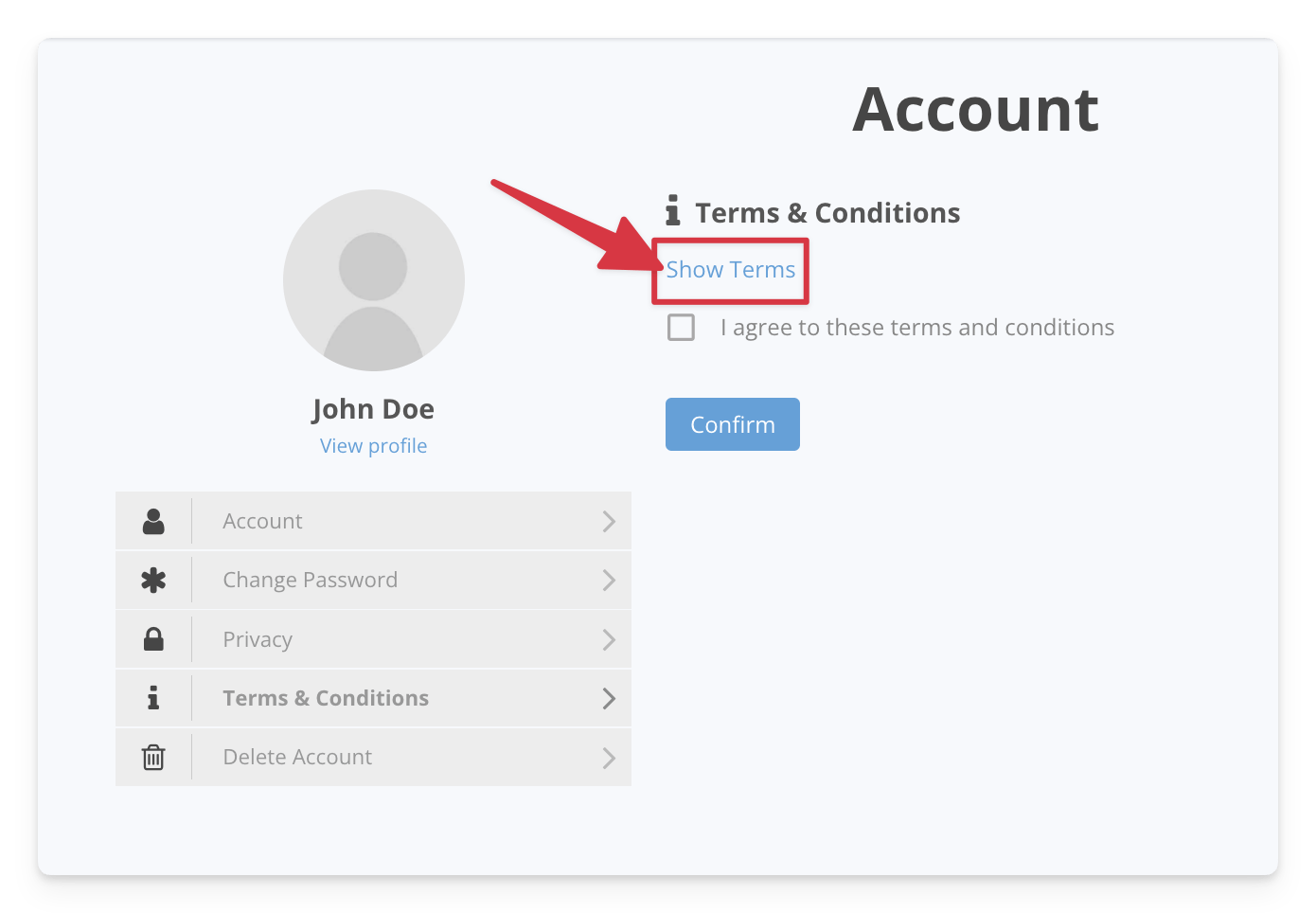
Simple, essential, and free. Adds a required checkbox to the UM registration form linked to your Terms of Service page. No registration completes without the box ticked, and the acceptance is logged. For GDPR compliance, cookie consent, or basic legal due diligence, this should be on every UM site. Best for: every Ultimate Member site that is live and accepting registrations.
Ultimate Member
Free
-
User Photos
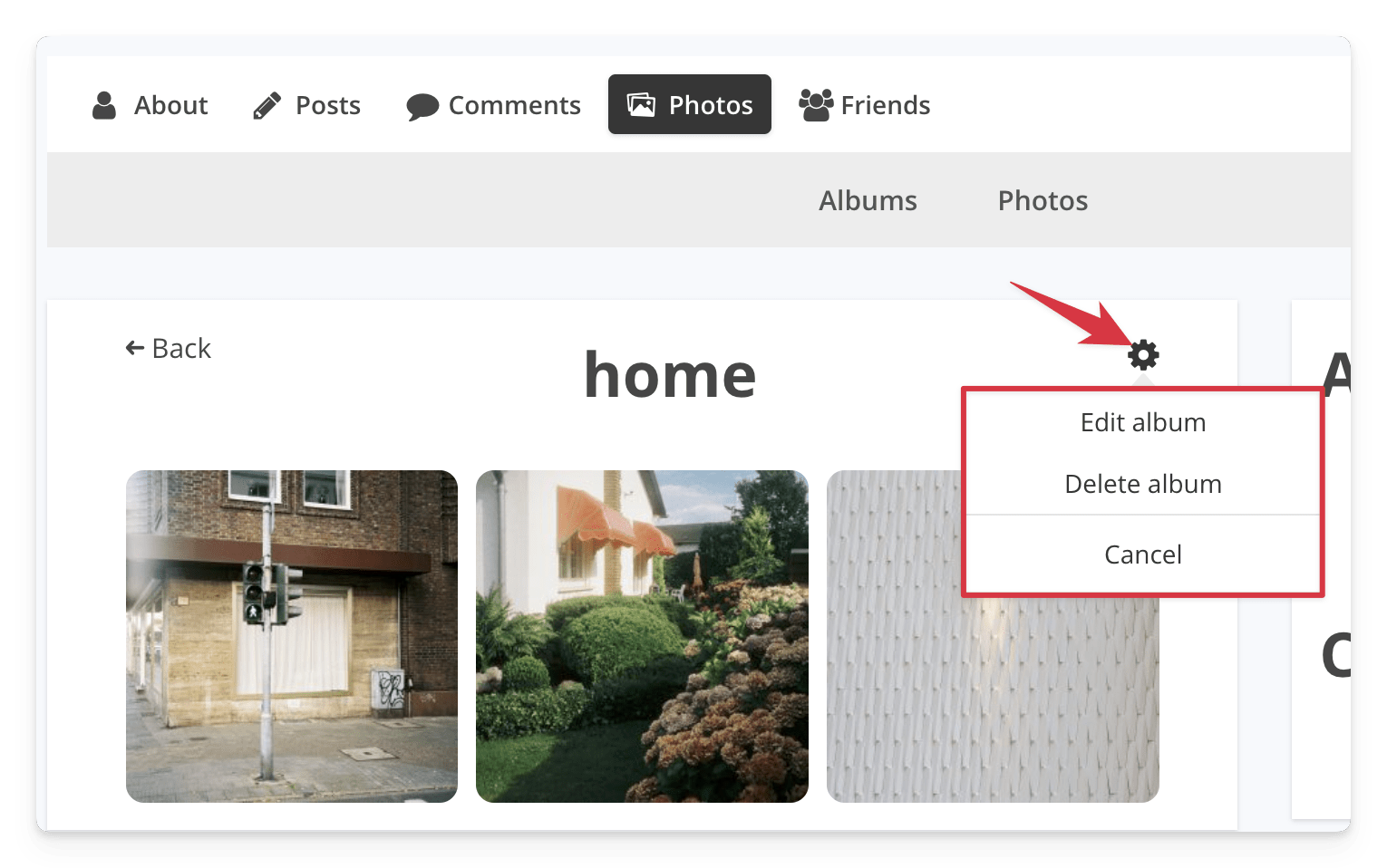
Extends UM profiles with a dedicated photo upload section — separate from the profile cover and avatar. Users upload images to their profile, and visitors can browse the gallery from the profile tab. Simpler than a full social gallery plugin, which makes it a better fit for sites that want photo sharing as a supplementary feature rather than a core one. Best for: lifestyle communities, travel networks, sports clubs — anywhere member photos add personality but a full social gallery would be overkill.
Ultimate Member
$45
-
User Notes
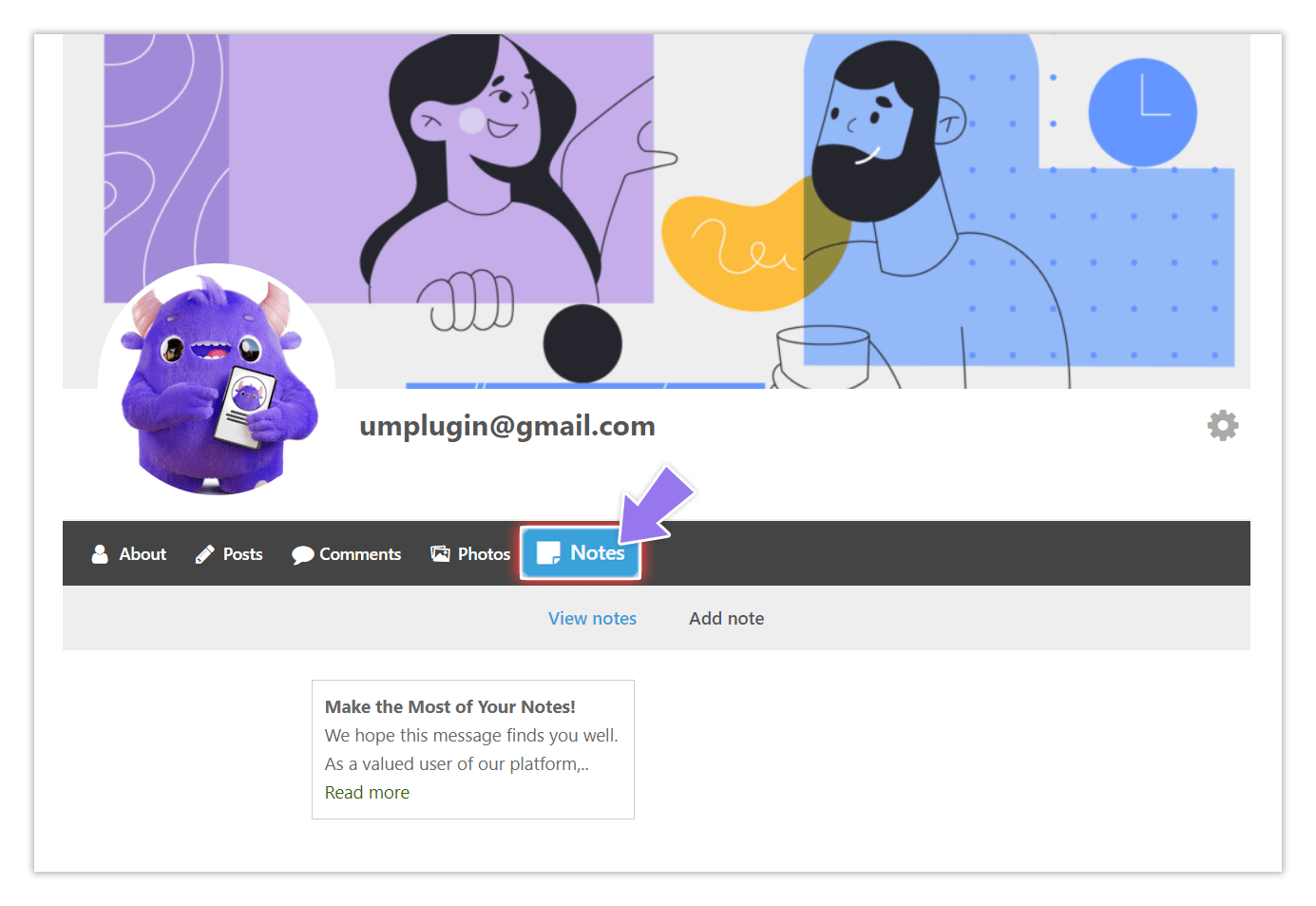
Adds a notes section to member profiles where users can write and publish short public or private entries — thoughts, updates, or reference material. It is lighter than Social Activity (no feed, no reactions) and lighter than a full blogging layer. Think of it as a member-controlled notice board attached to their profile. Best for: professional directories where members want to post availability updates, project notes, or short-form content directly from their profile.
Ultimate Member
$35
-
Notices
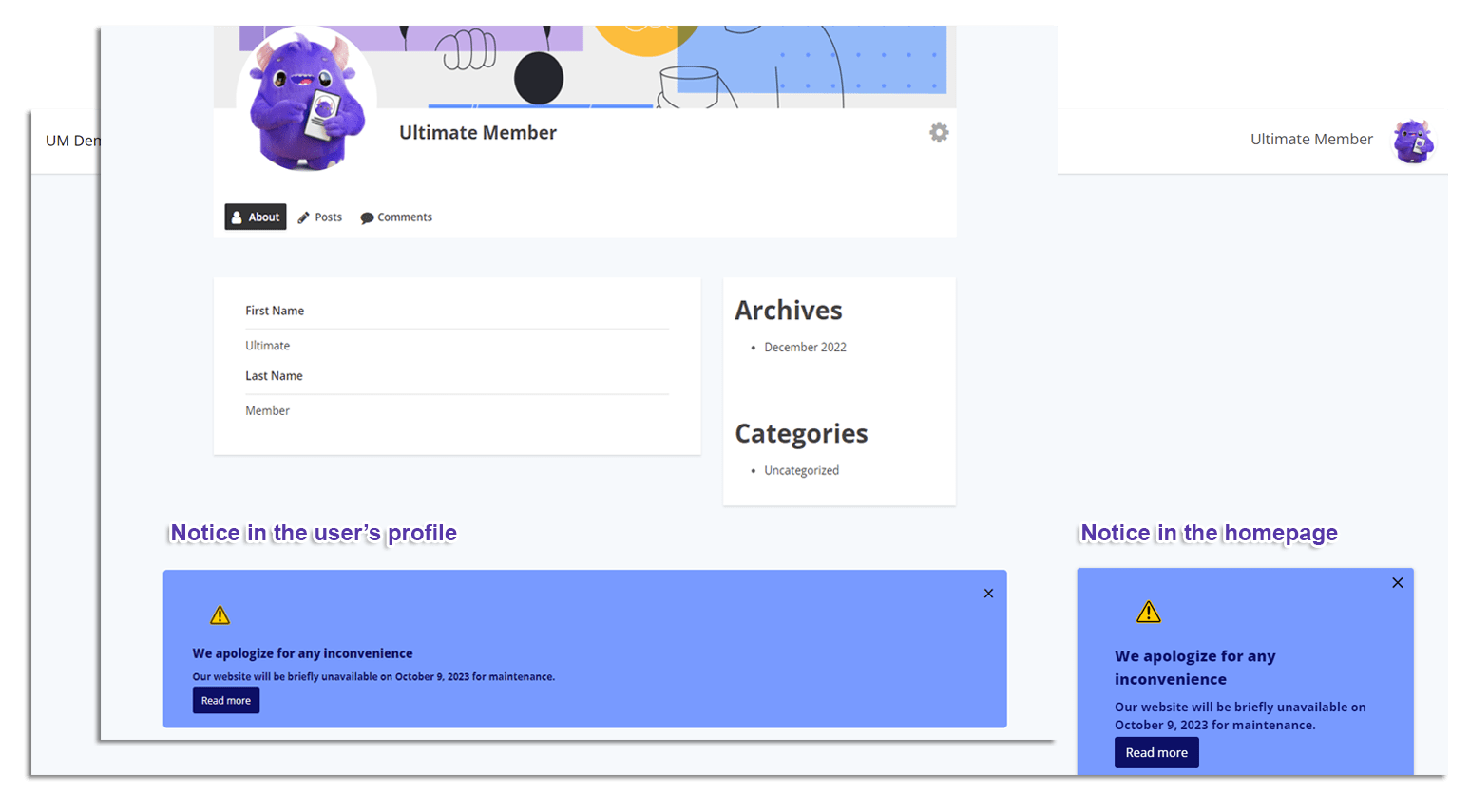
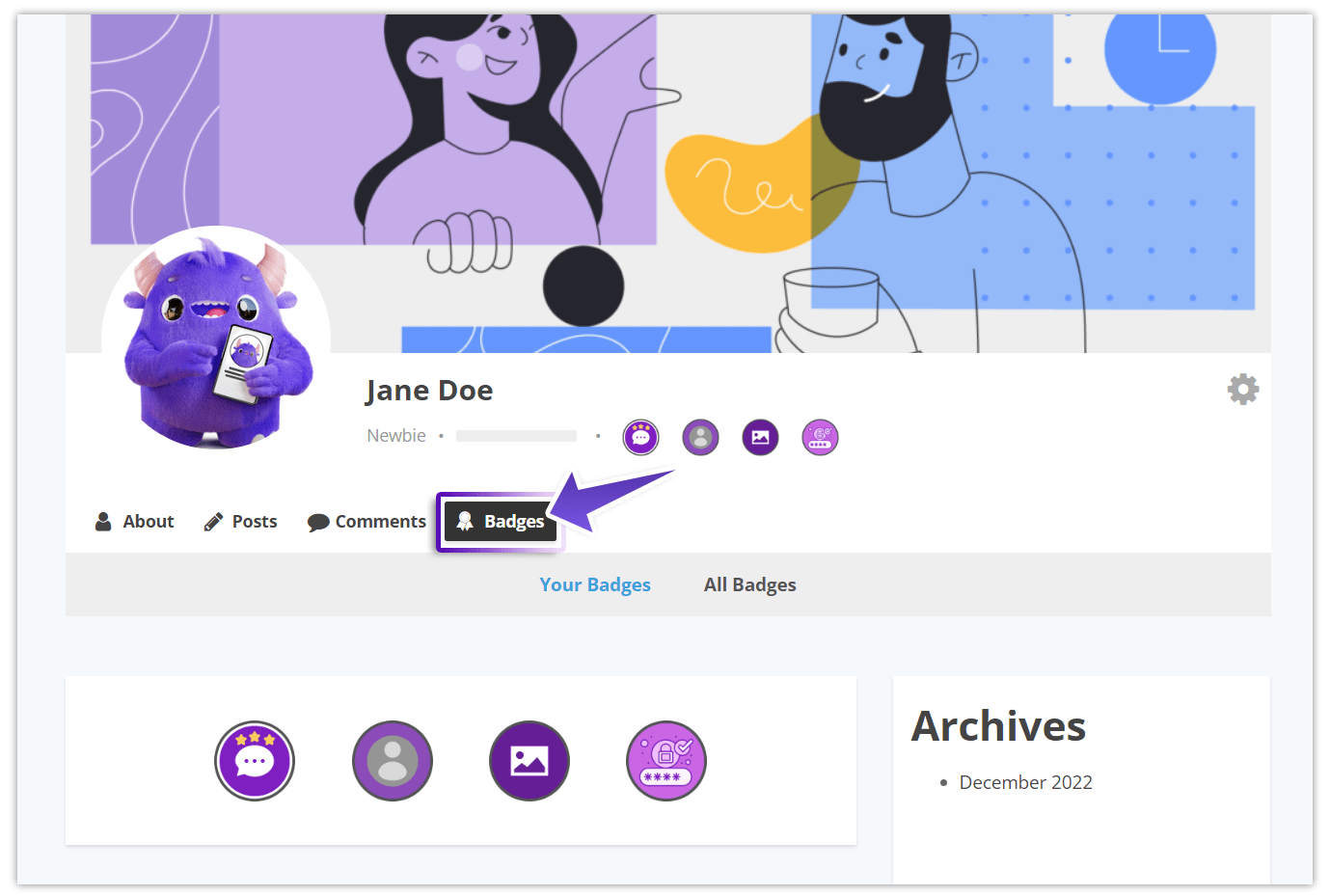
Notices puts admin-controlled banners anywhere on your site — sitewide in the footer, or in specific locations via shortcode. You set which user roles see each notice, track click-through, and use it as a call-to-action or announcement channel. Unlike real-time notifications (which are event-driven), Notices are editorial: you write them, choose the audience, and measure the response. Best for: sites that need to communicate renewals, feature announcements, profile completion prompts, or promotional offers to specific member segments.
Ultimate Member
$40
-
User Locations
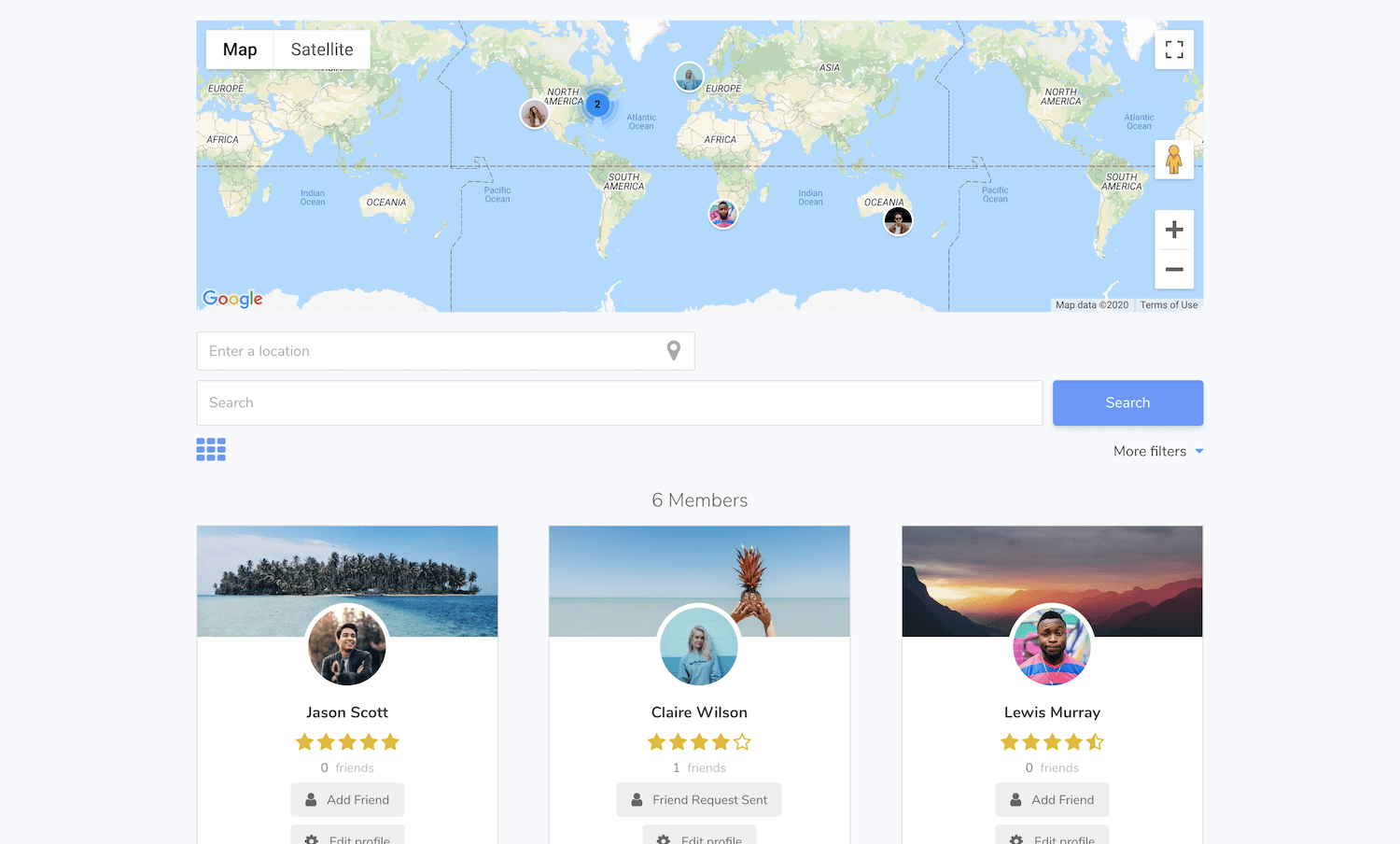
Integrates Google Maps API with UM profiles so members can add their location and appear on a map embedded in the directory page. Visitors can see where members are geographically, which adds a layer of discovery that filters and search alone cannot replicate. Requires a Google Maps API key. Best for: local service directories, regional meetup communities, travel networks, or any site where geography is a meaningful dimension of how members find each other.
Ultimate Member
$55
-
Followers
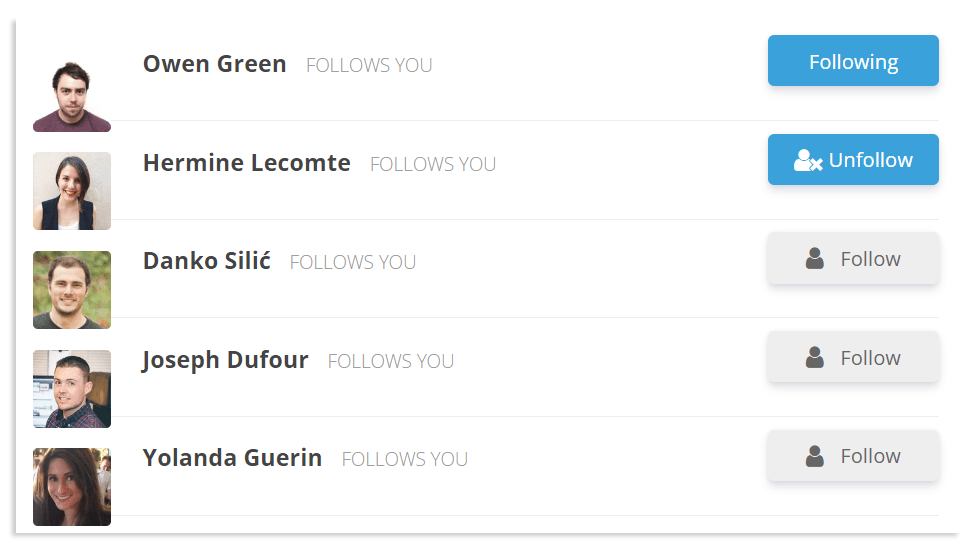
The Followers extension adds a one-way follow model — members follow each other without mutual approval. It is simpler than the Friends extension (no request/accept cycle) and creates a different social dynamic: an asymmetric relationship where popular or expert members accumulate followers without needing to reciprocate. Best for: communities with a creator or expert layer — thought leadership networks, influencer directories, subject matter expert communities where some members naturally attract more attention than others.
Ultimate Member
$40
-
Profile tabs
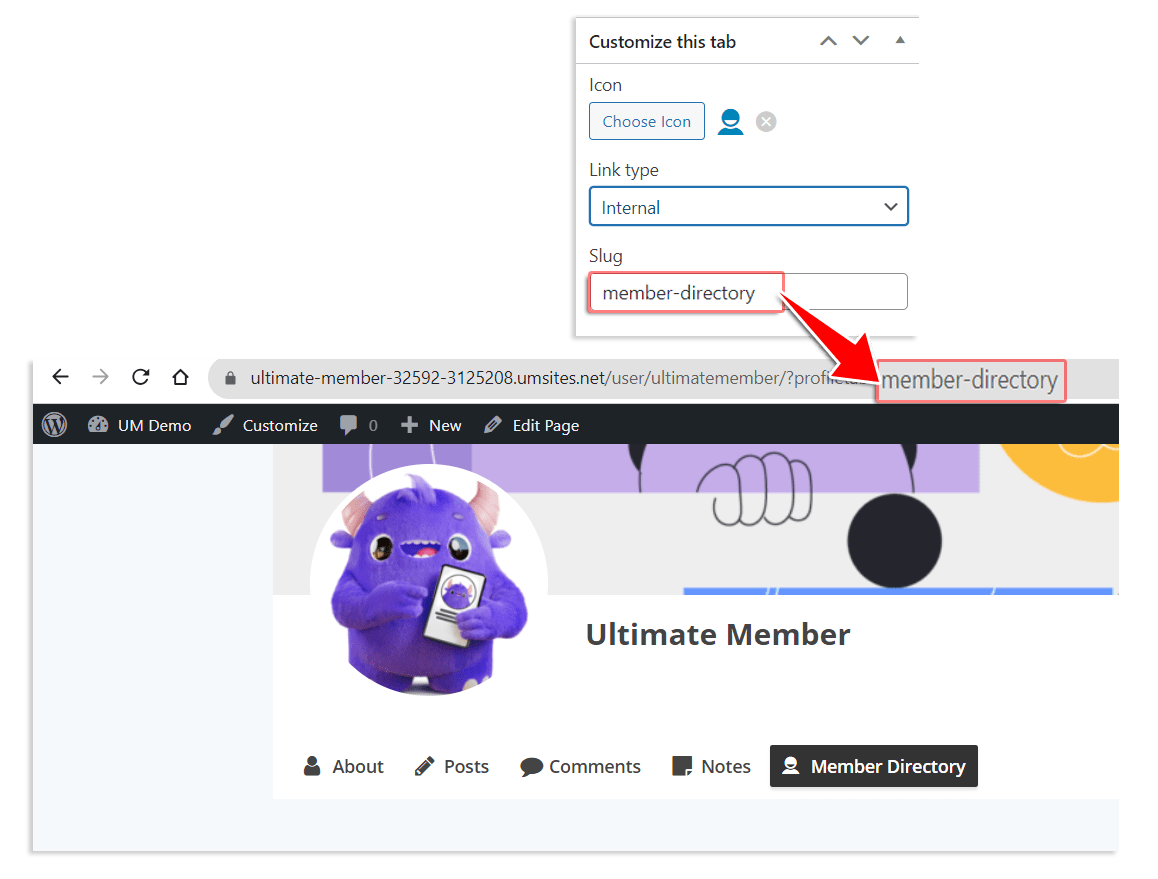
Adds the ability to create fully custom tabs on UM member profiles, each with its own content, visibility rules, and icon. A custom tab can contain any WordPress content or shortcode output — useful for embedding third-party integrations, custom post types, or specialised content sections that UM doesn't natively support. Best for: developers and site builders who need to extend the profile beyond UM's default tab structure without touching template files.
Ultimate Member
$35
-
Online Users
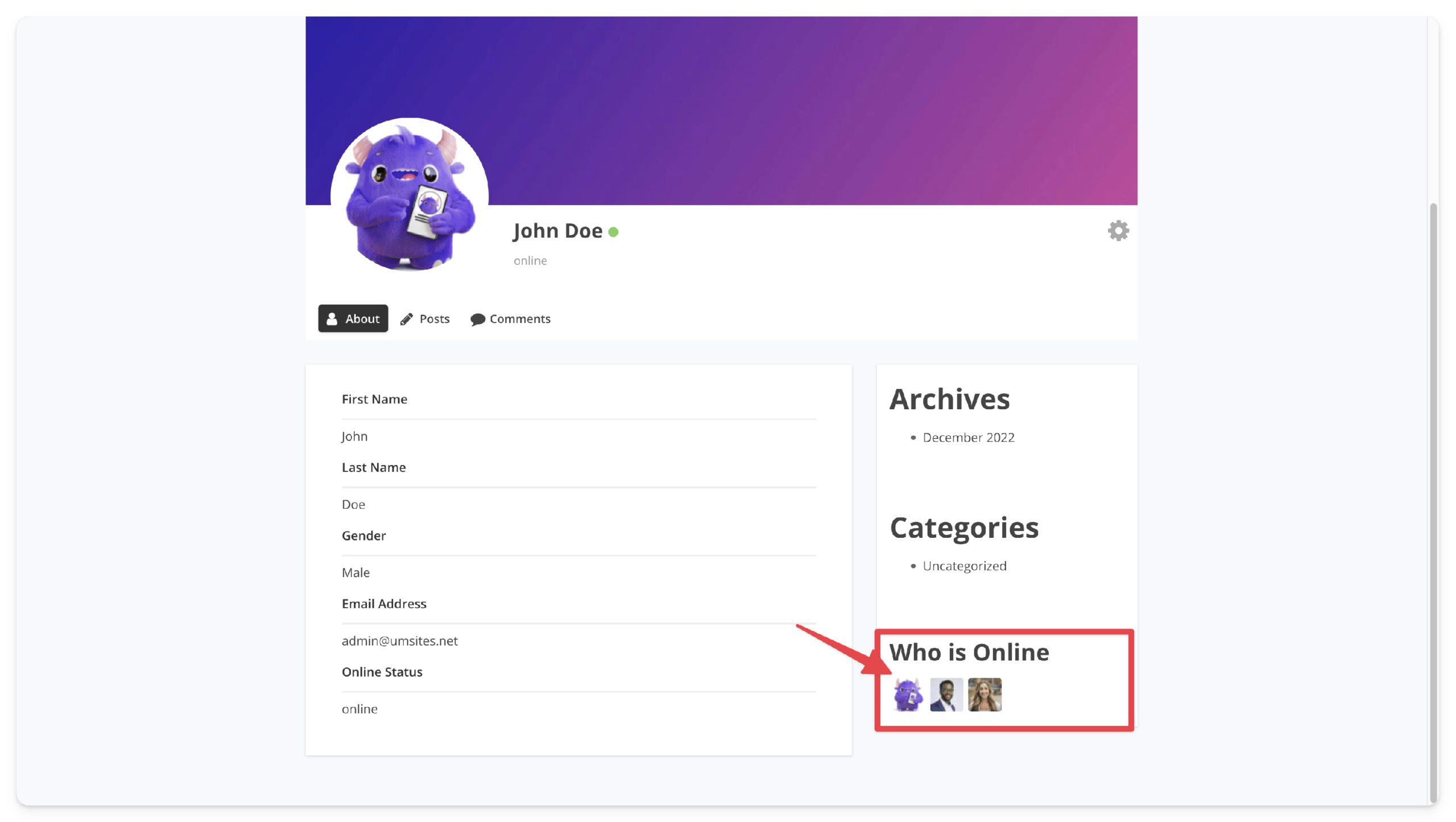
Displays which members are currently online, either via shortcode anywhere on the site or as a sidebar widget. Also adds an online status indicator to individual user profiles. A small engagement feature with a visible community-size effect — a list of active users makes a community feel alive, not abandoned. Free, lightweight, and worth installing on almost any social UM site. Best for: community sites at the growth stage where showing real-time activity helps convert hesitant new registrants.
Ultimate Member
Free
-
myCRED
Integrates UM with the myCRED points and rewards engine. Members earn or lose points for taking actions within Ultimate Member — profile updates, directory visits, and more — and their rank and badge progress displays beautifully on their UM profile. Points systems are one of the most proven tools for driving repeat engagement. Best for: gamified community platforms, e-learning communities with achievement systems, or any site looking to reward member participation with a visible progression layer.
Ultimate Member
$45
-
Unsplash
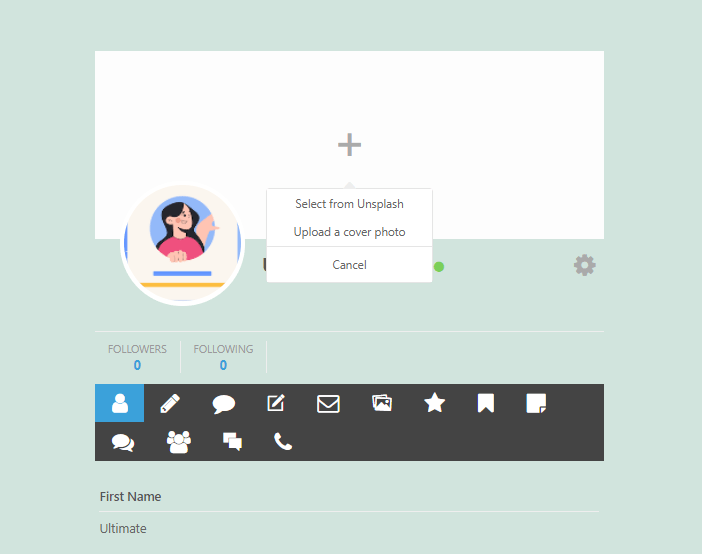
Adds an Unsplash image picker to the profile cover photo upload flow. Instead of (or in addition to) uploading a personal photo, members can search and select from Unsplash's library of high-quality free images. Profiles look more polished immediately, even from members who would otherwise leave their cover blank. Best for: professional directories and communities where visual presentation of profiles matters but you cannot rely on every member to upload their own cover image.
Ultimate Member
$35
-
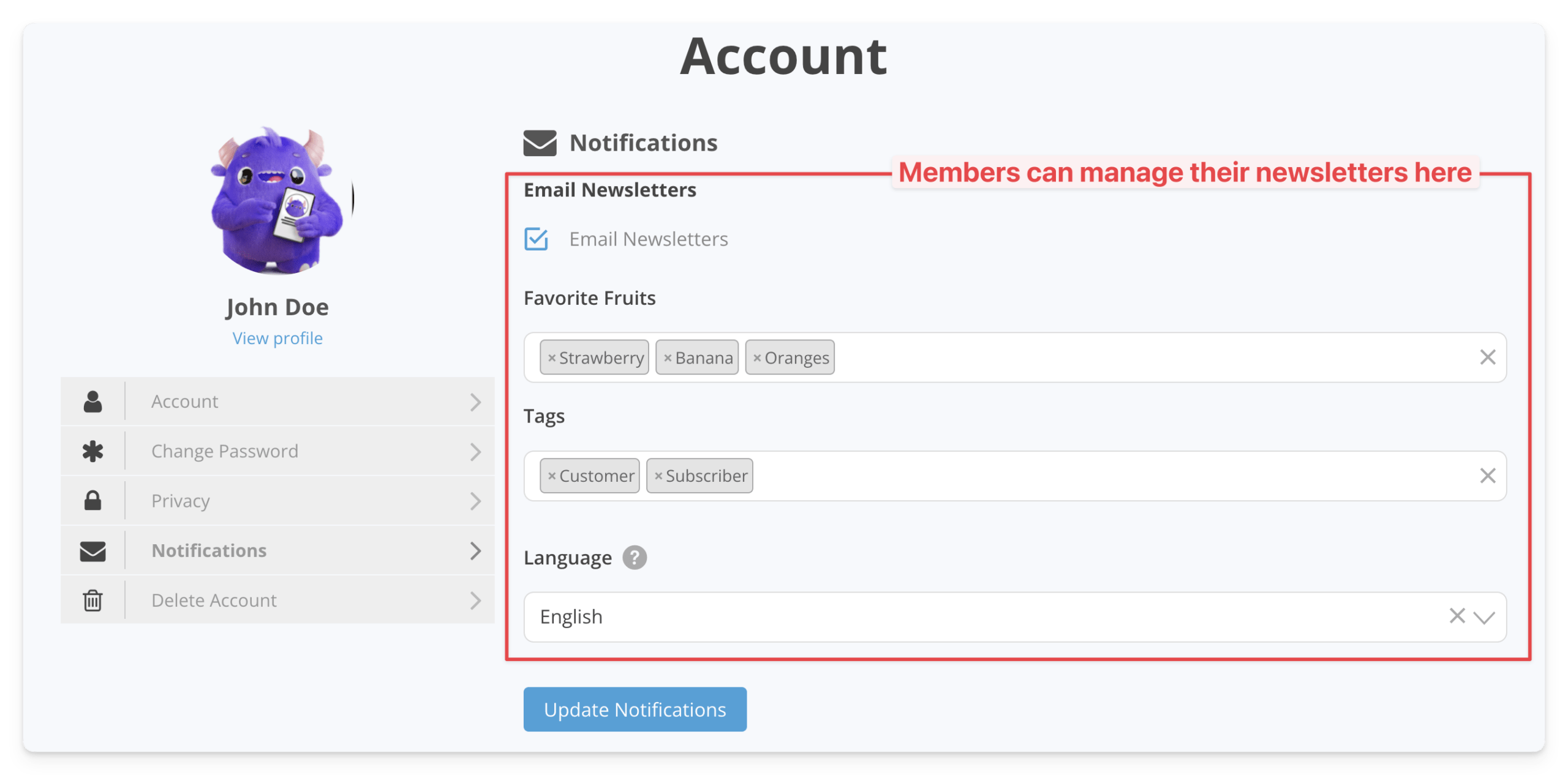
MailChimp
The official MailChimp integration for Ultimate Member. Members subscribe to your mailing list during registration, and their subscription status stays tied to their UM account. If you are on MailChimp rather than MailPoet, this is the integration to use. Note: if you need role-based list segmentation or automatic sync on membership changes, the UserElements UM MailPoet plugin may be a better fit if you are open to switching email platforms. Best for: MailChimp users who want registration-time list opt-in handled automatically.
Ultimate Member
$50
-
ForumWP
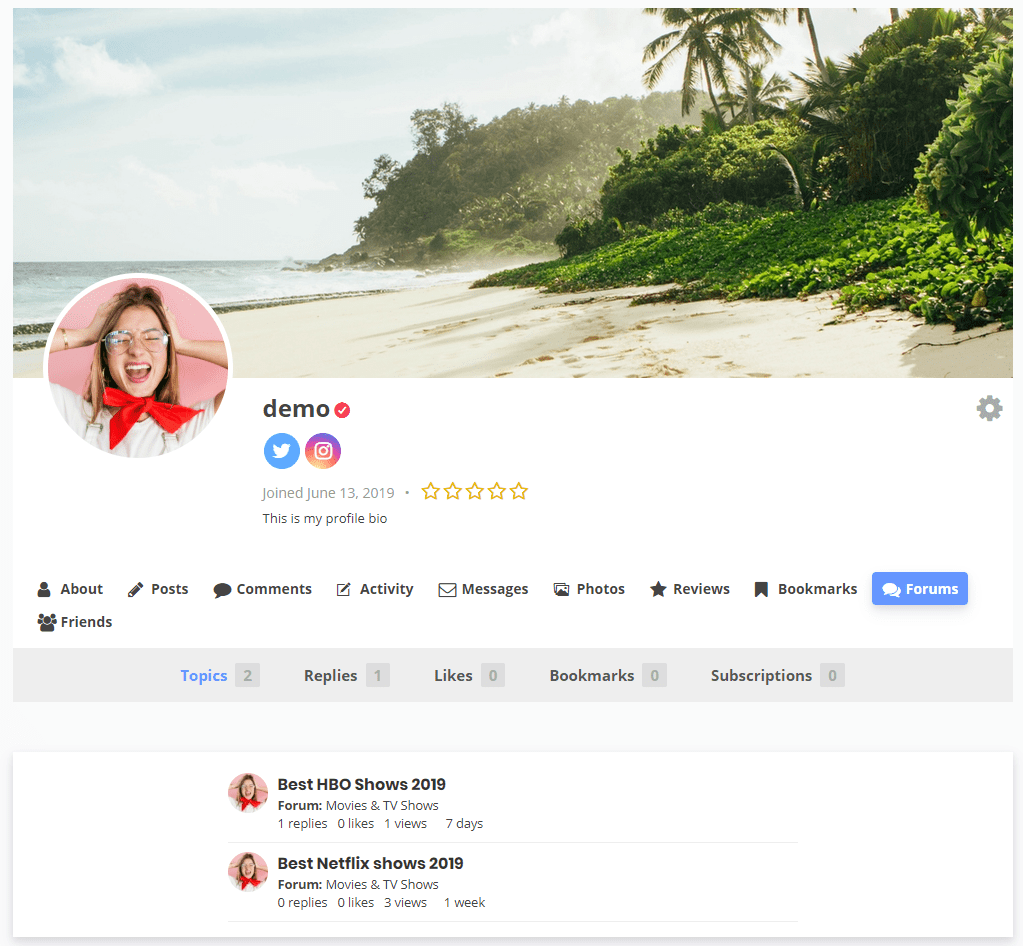
A free bridge between UM and the ForumWP forum plugin. Connects member profiles to forum activity so discussions are tied to the same identity as the rest of the site. If your community is forum-first, this makes the integration seamless. Best for: community sites built around structured discussion where a dedicated forum plugin is preferred over Social Activity's wall-style format.
Ultimate Member
Free
-
Google reCAPTCHA
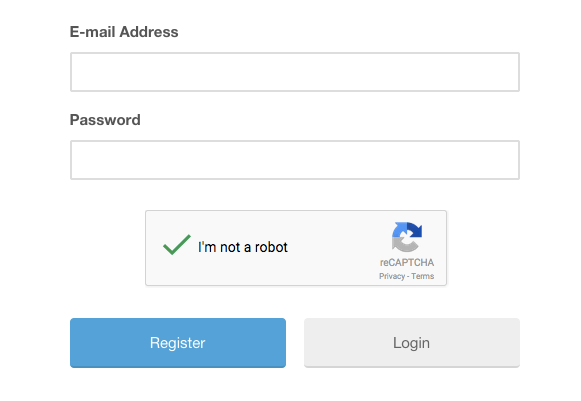
Bot registrations are a common problem on any open membership site. This free extension adds Google reCAPTCHA to UM's login and registration forms, blocking the majority of automated spam sign-ups with no user friction for legitimate visitors. There is no good reason not to install this. Best for: every publicly accessible Ultimate Member site.
Ultimate Member
Free
-
JobBoardWP
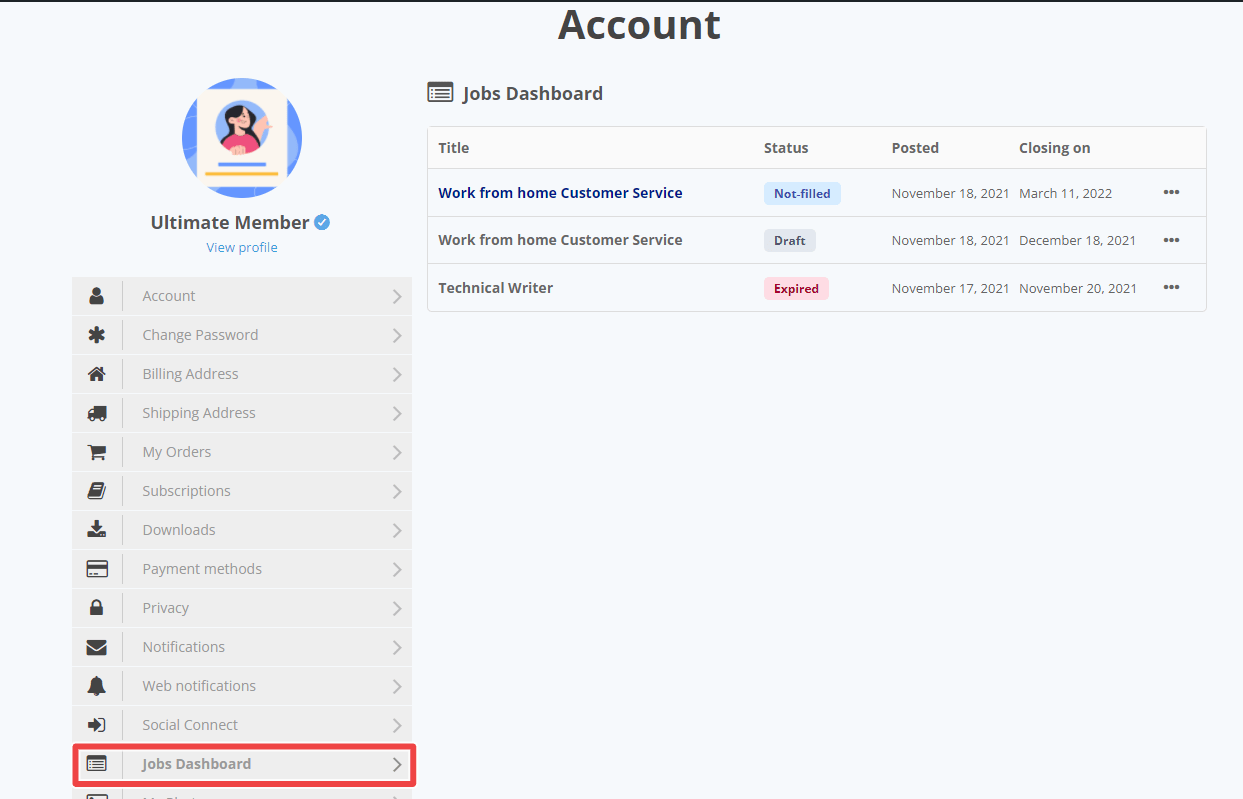
Connects Ultimate Member member profiles to JobBoardWP job listings. Job seekers or employers registered through UM have their profile tied to their job board activity, creating a unified identity across both parts of the site. Best for: job board sites that want member profiles and job listings to feel like one coherent product rather than two separate plugins bolted together.
Ultimate Member
Free
-
Stripe
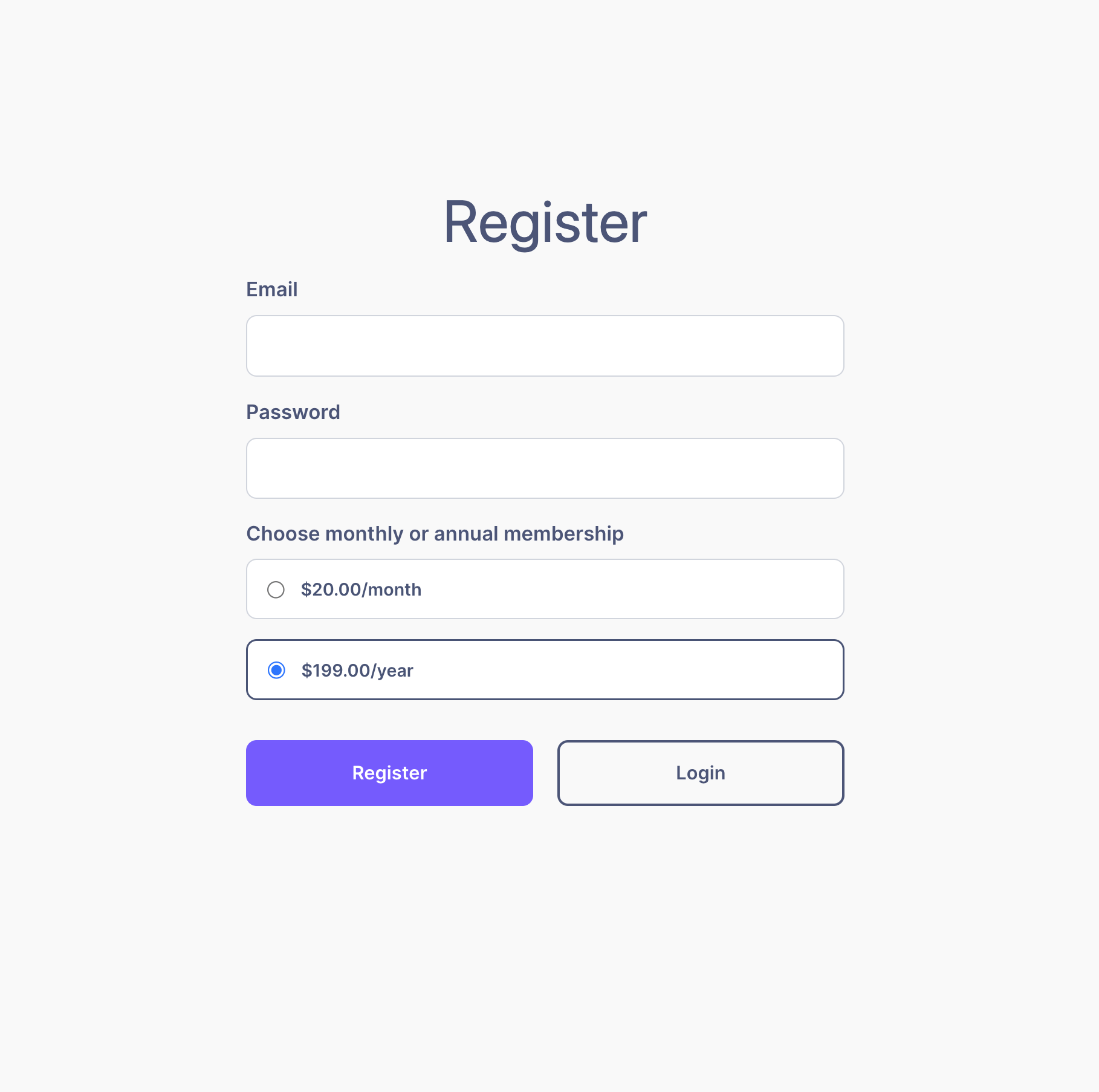
The highest-impact paid extension for sites that need membership monetisation. Stripe's subscription and billing infrastructure connects directly to UM roles — payment triggers a role upgrade, cancellation or failed payment reverts it. You get recurring subscriptions, one-time payments, and trial periods. If charging for membership tiers is a core part of your business model, this is where the investment goes. Best for: any Ultimate Member site with paid membership tiers where automated access control based on billing status is required.
Ultimate Member
$65
-
Zapier
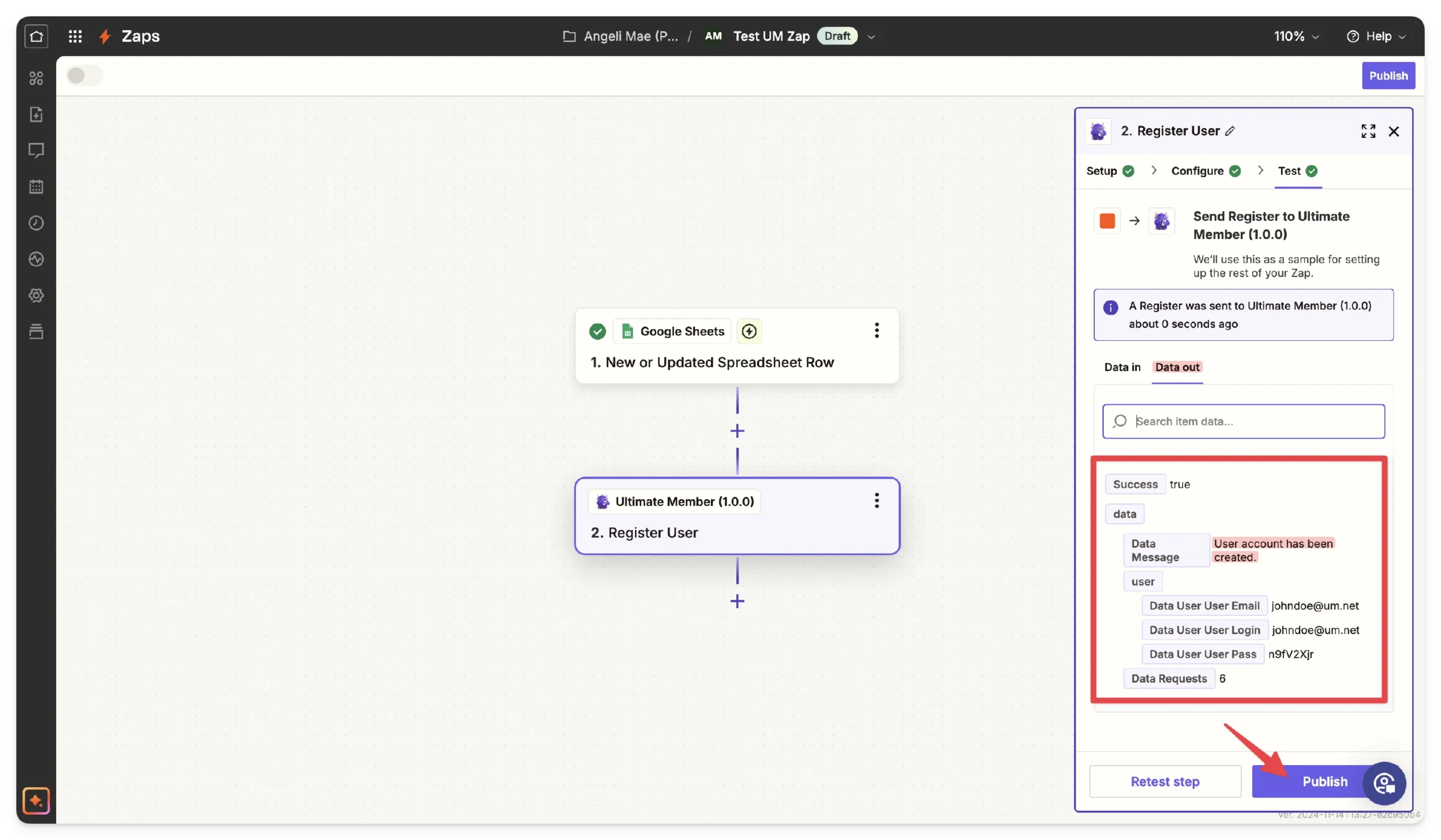
Connects Ultimate Member to Zapier's library of 5,000+ apps. Every major UM membership event — registration, role change, approval, deactivation — can trigger a Zap: send a Slack alert, create a HubSpot contact, add a row to Google Sheets, post to a webhook. For sites with complex external workflows or non-technical teams who manage automations in Zapier rather than code, this is the integration layer that makes everything connect. Best for: business-critical membership sites that need to sync member data with external CRMs, communication tools, or reporting systems.
Ultimate Member
$65
-
WooCommerce
The official WooCommerce integration bridges the two plugins so customer data from WooCommerce orders is visible on UM member profiles, and UM role changes can be triggered by WooCommerce product purchases. Less fully featured than the Stripe extension for recurring billing, but essential if your site already uses WooCommerce for e-commerce and you want the member and customer identity to be unified. Best for: existing WooCommerce stores adding a member community layer, or sites selling physical/digital products where the buyer is also a registered member.
Ultimate Member
$45




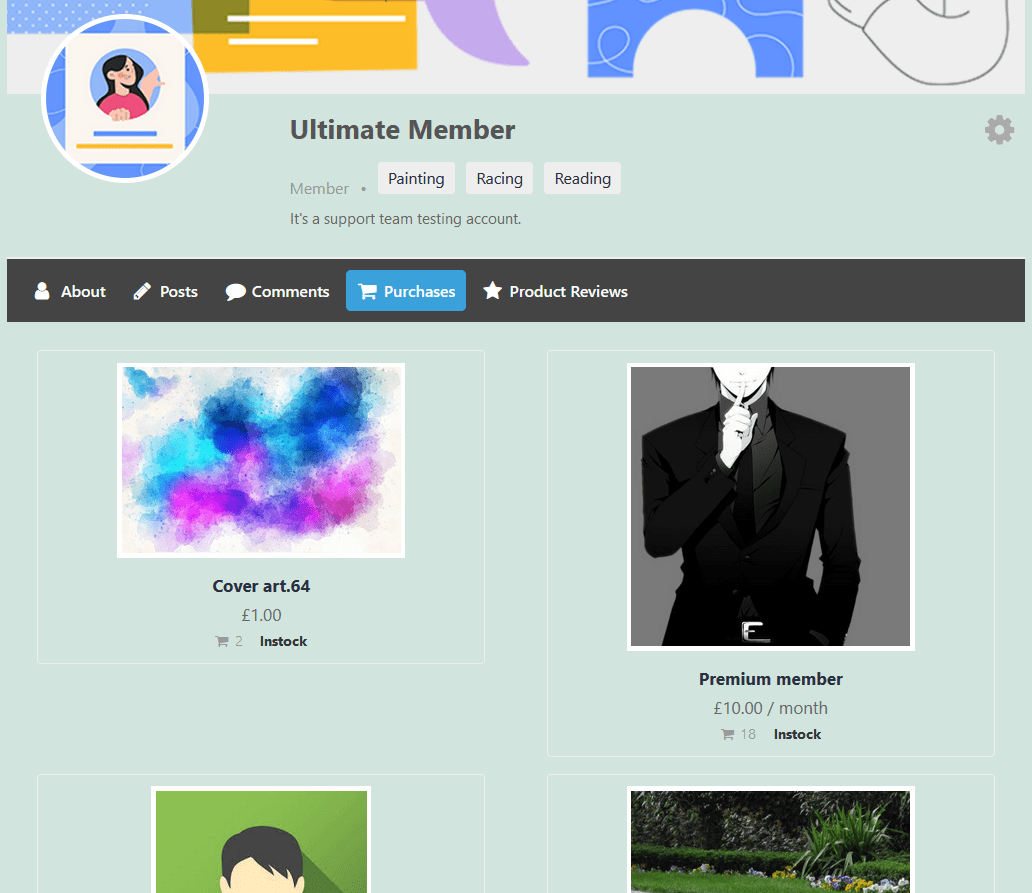
Ultimate Member is one of the most capable membership plugins for WordPress, but out of the box, it is deliberately lean. The real power comes when you pair it with the right extensions.
The problem is that the ecosystem has grown large. Between official Ultimate Member add-ons, third-party plugins on WordPress.org, and independent commercial plugins, there are now dozens of options covering everything from real-time notifications to Stripe billing to full Elementor design control. Picking the wrong one wastes money; missing the right one leaves a feature gap your users will notice.
This list covers the extensions we have tested, used in production, or reviewed in depth. The Staff Pick entries at the top are the ones we recommend first, they solve problems that almost every Ultimate Member site eventually hits. The rest are organised by use case so you can skip straight to what your site needs.
Which Ultimate Member Extension Should You Start With?
If you are setting up a new site, start with Google reCAPTCHA and Terms & Conditions — both are free and both protect you from the most immediate problems. Then add Elementor Widgets for Ultimate Member if your directory design needs to stand out, and Advance Faceted Search if your members need to find each other by specific criteria.
For sites already running and looking to increase engagement, Real-time Notifications, Friends, and Social Activity form the core social loop. Add Profile Completeness and Notices to nudge members toward the behaviours that make the community more valuable.
For monetisation, Stripe is the most direct path. Zapier is worth the investment once your workflow complexity outgrows what you can manage in WordPress alone.
The extensions listed here cover the full range of what an Ultimate Member site can become — from a simple directory to a fully featured social network with payments. You do not need all of them. Start with the ones that close the biggest gap between what your site currently does and what your members actually need.
- 13+ Widgets
- Live search
- AJAX filters & sorting
- View any user meta fields
- Ultimate Member Profile Fields
- WooCommerce User Data